
Sketch-style
dynamic caption Skill

Sketch-style dynamic captions: turn one Chinese viewpoint or one product flow into an HTML motion page you can play, preview, screenshot, and record in a browser — then drop into an article, a demo, or a deck. When you write, build a demo, or make a deck, the picture is usually what stalls. The words are done. The point is clear. You still need a short motion piece that carries the idea and looks like yours.

This skill takes one sentence, one flow, or one demo topic and turns it into a caption piece with keywords, shots, and timing. You do not stay up hunting stock, drawing it yourself, or booking an illustrator. Say what you want to tell, and you get a browser page you can open, screenshot, record, and drop into your work. The output is an HTML page, not a rendered video file — a GIF or MP4 still needs a separate export. Prompts are written in Chinese.

timepress · preview HTML
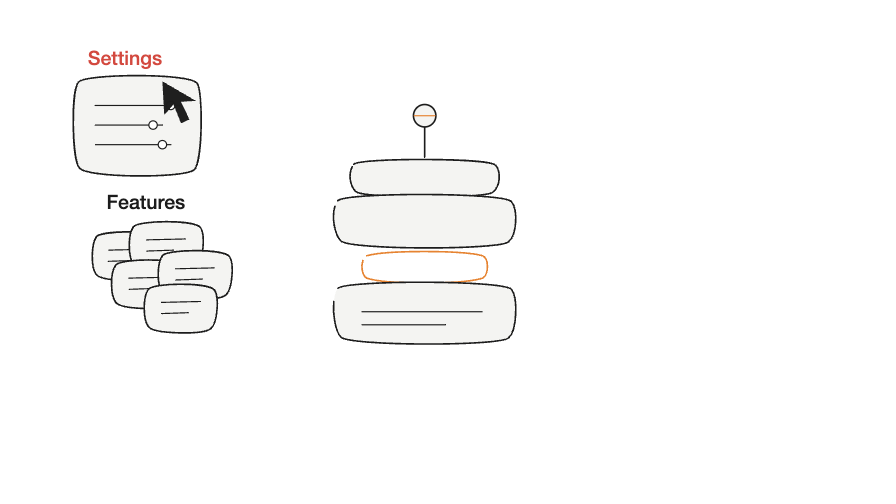
English piece: Settings try to open while Features sit in a pile
Settings open. Features sit in a pile.
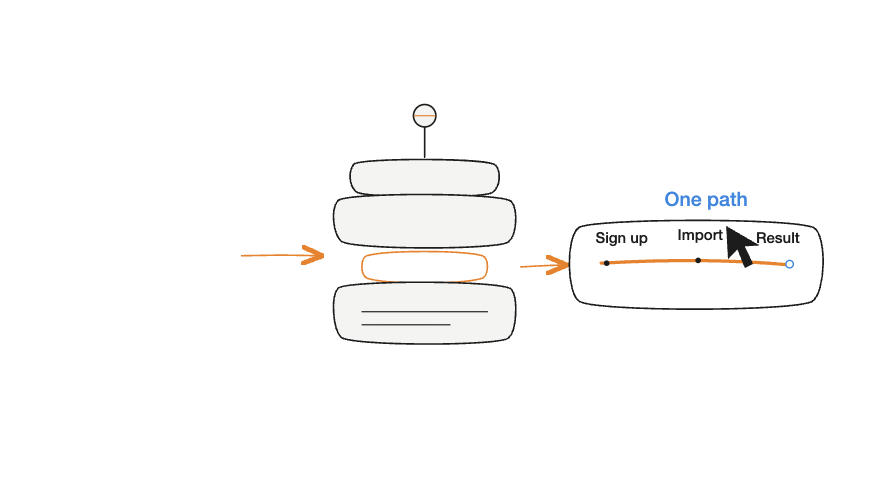
English piece: Sign up, Import, Result on one path
One path left: Sign up, Import, Result.
RUN OUTPUT Sketch style · Shots · Live preview HTML ✓

Why stock art and motion still stall

Pictures should not take longer than the writing. The draft is often ready, then the visual goes cold: stock is too generic, a screenshot is too flat, and a full animation is too much work. To fill one visual beat you hunt a library, chase references, sketch shots, and revise details — and it still may not match what you meant.

Typical production: hunting references on a laptop, then drawing by hand
Scene 01 · Hunt references, then draw
Why it hurts · Stock rarely fits the point

1. Stock can find a picture. It rarely fits the point.

A point needs an accurate picture. Finding one image that is licensed, matches the idea, and does not look wrong in an article or a deck takes a lot of back-and-forth, and you still end up cropping it yourself.
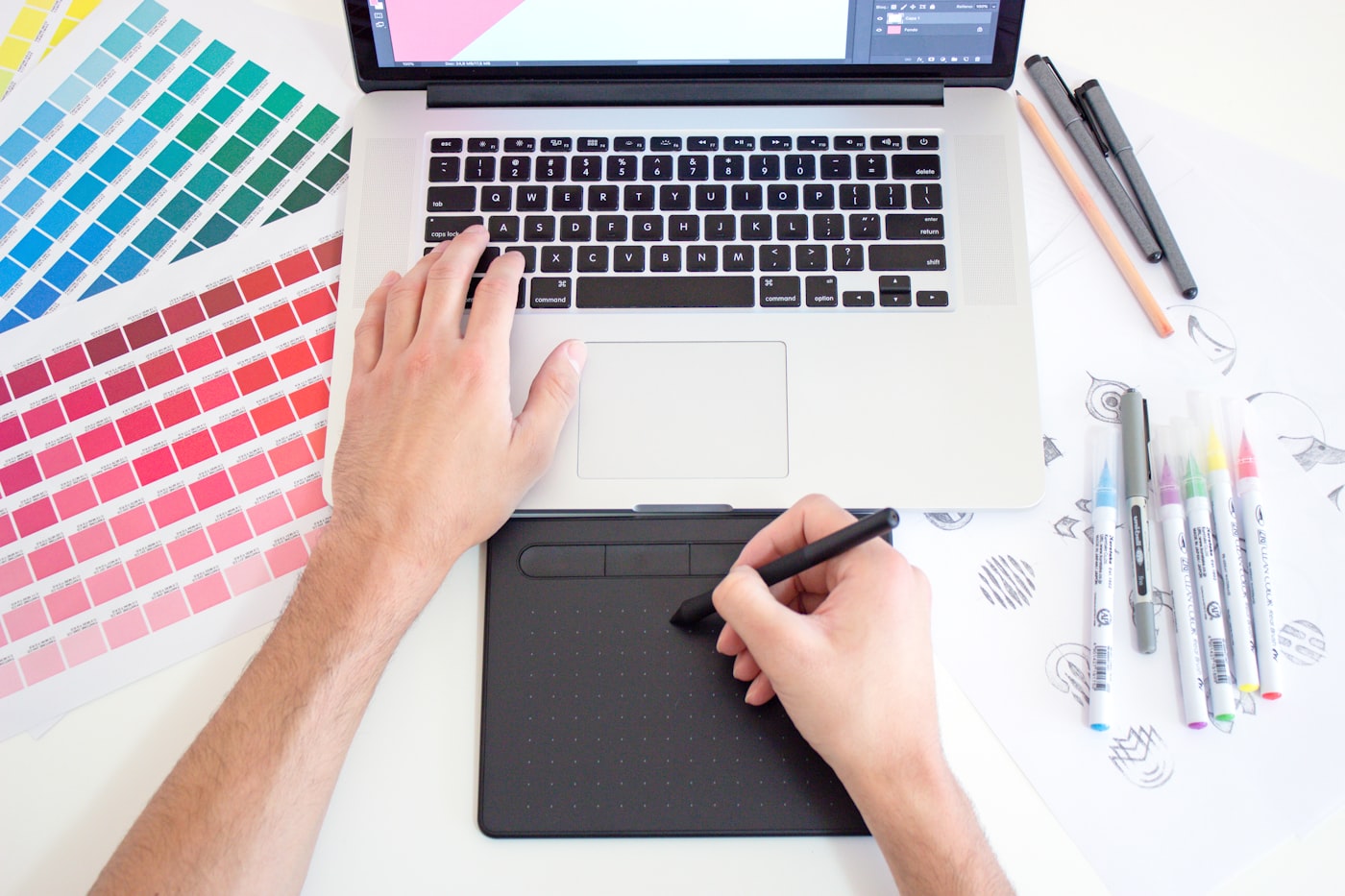
Typical production: drawing tablet, markers, and storyboard sketches on a desk
Scene 02 · Tablet + storyboard
Why it hurts · Custom is possible, the wait is not

2. Hand drawing can be custom. The wait is hard to control.

Draw it yourself and one night often yields a few stills, with motion still to be solved. Hire it out and you wait in a queue. Change the copy, and the shots and the pace may have to move with it.

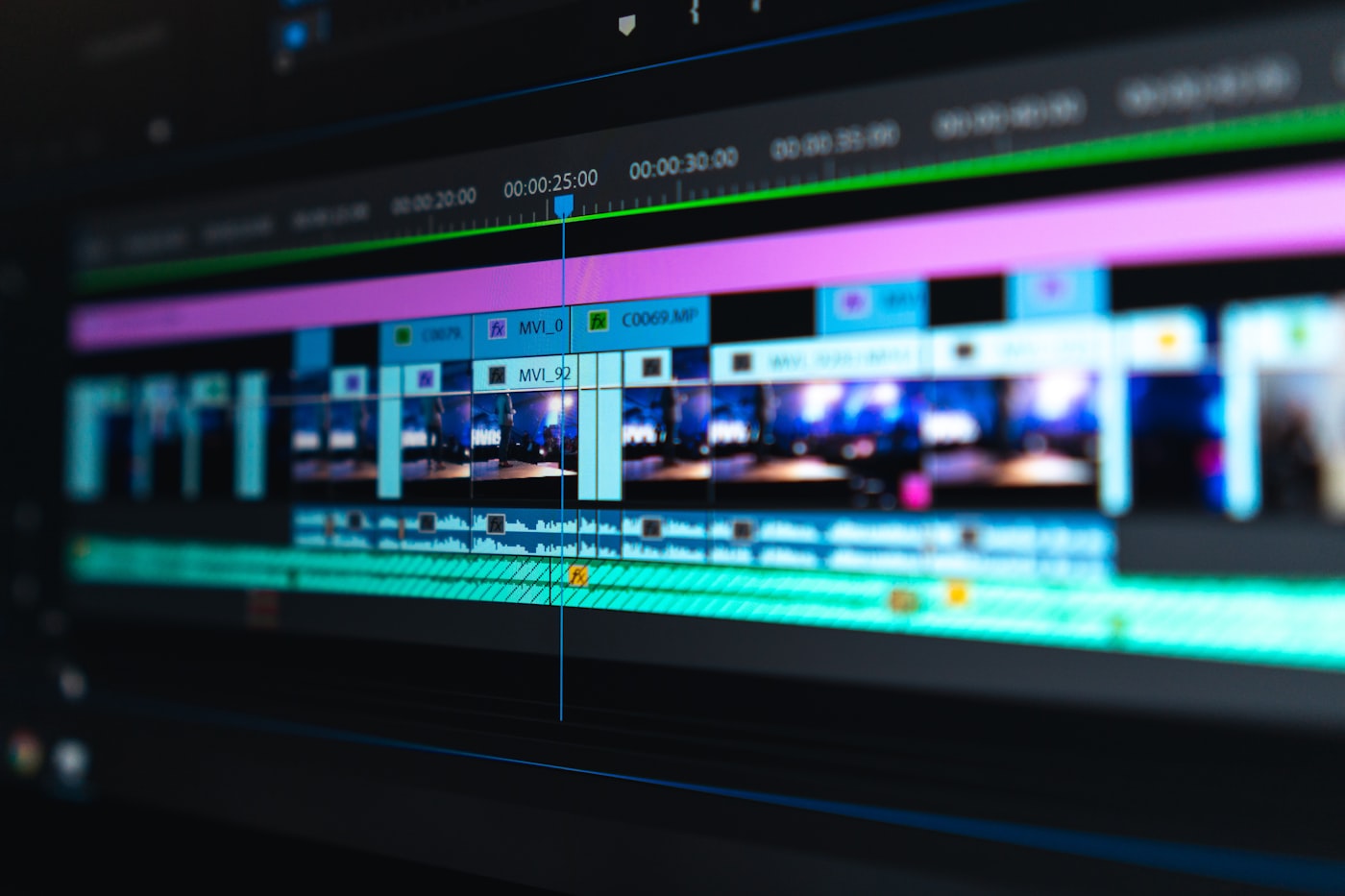
Typical production: a crowded editing timeline with clips, effects, and audio
Scene 03 · Editing timeline
Why it hurts · Steep tools, one change moves everything

3. Motion helps. The tools cost too much time.

Premiere and After Effects take serious time to learn from scratch. A short 8–15 second pack still takes a practiced editor hours. Change one line, and captions, timing, and keyframes move again.

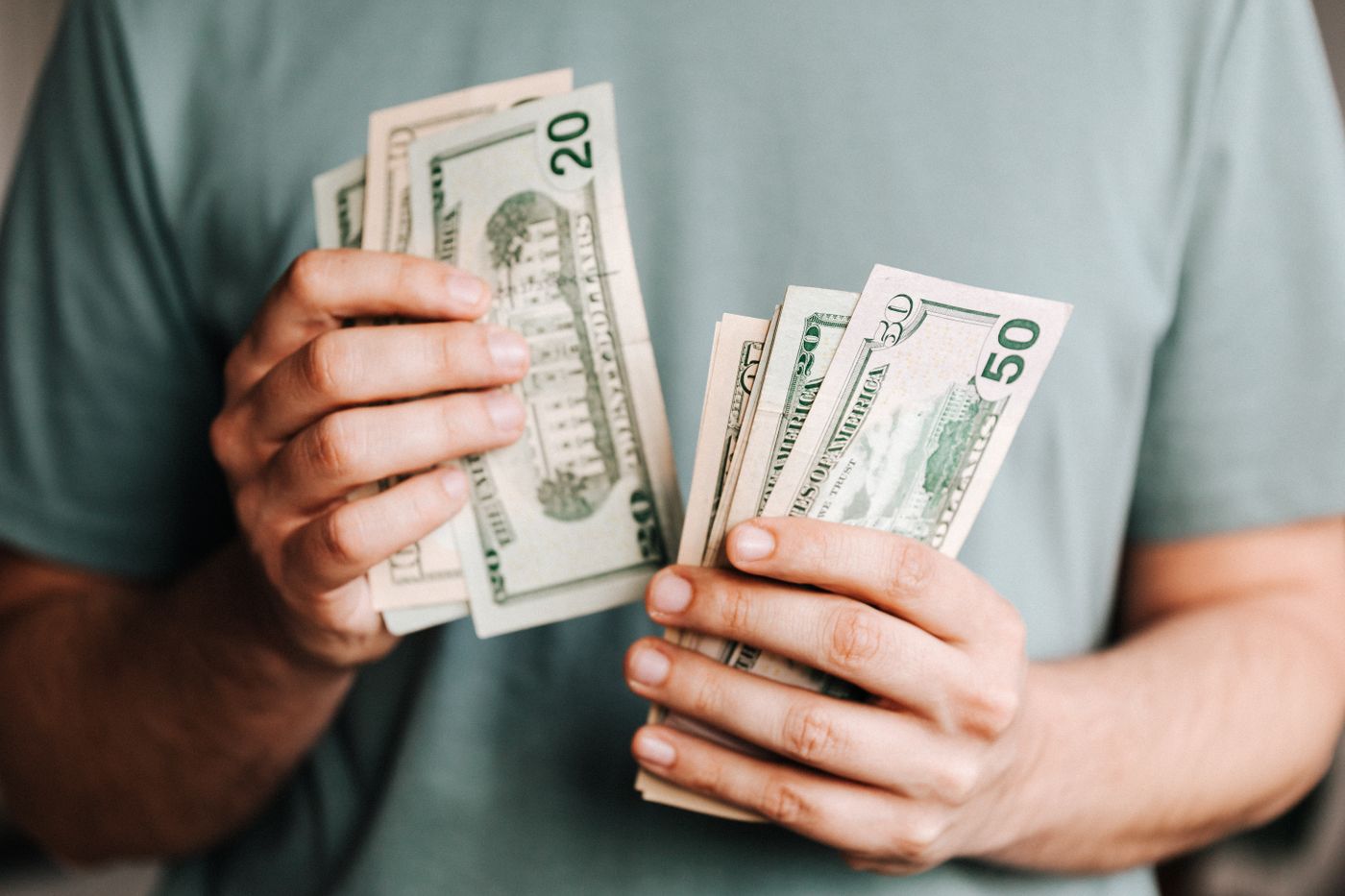
Typical production: revision rounds and freelance quotes end in real money
Scene 04 · Quotes and revision cost
Why it hurts · More rounds raise cost and slip the calendar

4. More rounds raise cost and slip the calendar.

After more freelance rounds, the quote and the schedule usually move up together. Rush a still into an article, a demo, or a deck, and if it does not move, people still flip past it.

Huntmany rounds

Find one licensed image that fits the point and does not look wrong in the piece — usually many rounds of candidates.

Waitqueues

Order a short explainer and you wait for scheduling and revisions. More rounds, longer cycle.

Learnsteep

Premiere and After Effects take serious time to learn. Steep for a last-minute fill.

Revisebudget creep

More rounds raise the quote, and they stretch the calendar and the back-and-forth.

Libraries, templates, and drawing apps are everywhere. Fishing through them still burns time.

Make the point visibleMake the path clearMake a frame people remember

What if one sentence became a set of sketch-style captions?

One sentence in,
a motion page out

You do not need a full film storyboard, or Photoshop, Premiere, or After Effects. Say what you want to tell — that is the short script. The skill pulls the points, sets the order, places the short labels, and hands back a page you can open.

Real English frame: Settings and Features, not a stock still
Proof 01 · Drawn from the sentence, not pulled from stock
Fixes pain 1 · Stock hunt

1. Draw the point. Spend less time fishing for stills.

One sentence becomes a picture job: show the state first, then the move, and mark the beats with short labels. The frame follows the copy, so it reads in an article or a deck.

Real English frame: Sign up, Import, Result already on screen
Proof 02 · Shots and short labels already in the frame
Fixes pain 2 · Drawing queue

2. Turn the idea into shots. Cut the back-and-forth.

The content is split into a few beats you can show, with labels and an order. The look is written down in DESIGN.md, so the next run has something to follow.

Real English preview: open the page and watch the path
Proof 03 · Open it in a browser
Fixes pain 3 · Timeline tools

3. Open the preview. Skip the edit suite.

You get index.html and a local preview link. Open it to check timing and the picture. Then screenshot it, record it, or drop it into a deck.

Proof 01: Settings and Features Proof 02: Sign up, Import, Result
Proof 04 · Same run, the two frames already shown above
Fixes pain 4 · Paid revisions

4. Change the sentence and run again.

This English page shows the product-path run. The same skill also covers a viewpoint piece. You change the sentence, not the quote.

[You give it][It returns]
A point, a paragraph, or a product path→A set of picture beats
Who it is for, and how long→A matching look and pace
A caption page you can open→Shot list, index.html, preview link

Why keep this skill

Plenty of tools can make a picture. The one that sticks is the picture that actually matches the copy. This skill turns a point that still lives in the sentence into a short motion note people can read. If you write, present, or explain a product, it can be a caption method you reuse.

01

Say the content. Then it can start.

The input can be a point, a product path, or a demo topic. It grabs the main line first and turns it into a picture job, so you spend less time starting from stock.

02

Shots, short labels, and timing together

Each piece is split into a few beats: what appears first, what moves next, and where a short label sits. You can look at the result in one pass.

03

The look has edges, so it does not drift

Sketch lines, product UI, and flow marks follow fixed rules, and the look is written down in DESIGN.md. A point stays light, a product stays clear, a process stays orderly. Change the topic and the method stays the same.

04

You get a page you can open again

The handoff is index.html, a local preview link, and DESIGN.md. Open it in a browser. Later screenshots, recordings, label changes, and new topics can keep using those files.

01 · EDITORIAL

Sketch

For a point, an article, or a judgment. The frame stays loose, like a sketch, and works as a hook in the copy.

02 · PRODUCT

Clean product

For paths such as Sign up, Import, Result. A cursor leads the steps. Short labels mark the beats.

03 · FLOW

Process and data

For a system, a sequence, or a set of relations. It keeps a sense of flow without turning into a slide.

Preview page

Watch it in the browser

You get index.html and a local preview link. Open it, check the timing, and see whether the picture fits the copy.

Notes file

The look lives in DESIGN.md

Color, short labels, picture rules, and the things to avoid stay in that file. Change the topic or a word, and the look is less likely to drift.

Case: one real English run

This English page shows one run: one sentence in, a playable HTML page out. On-screen words are English. The prompt is written in English because this run was an English run; the skill also works from Chinese prompts.

The actual input for this run
Use timepress-video to turn the sentence below into about 8 seconds of sketch-style dynamic captions that play in a browser.

Users only remember one main path, no matter how many features you ship. Compress Sign up, Import, and First result into three steps. Do not open every setting first.

The result stays in the project files. Change the sentence, the emphasis, or the look later, and keep working from those files.

01
THIS RUN · FRAME 01 · FRAME 02 · PRODUCT

Press a messy path into three steps

Run in Cursor. Settings try to open first. Then one ticket is left: Sign up, Import, Result. Both frames below come from that one run.

timepress · english output 01 / 02
Frame 01: Settings try to open, Features sit in a pile
Frame 01: Settings try to open. Features sit in a pile.
Frame 02: One path left — Sign up, Import, Result
Frame 02: One path left — Sign up, Import, Result.
TIMEPRESS VIDEO

Write the sentence.
Get a caption that moves.

Get this Skill on Finch →

Finch.ai · Sketch-style dynamic caption Skill