QR Life Kit · Information
Turn everyday details into QR codes people can actually use
QR Life Kit creates static QR codes and matching cards for websites, Wi-Fi, contacts, email, SMS, phone numbers, locations, calendar events, and plain text—all on your own machine.
The result is more than one QR image: you get files for sharing, files for print, and a scan report for the finished artwork.
The payload is stored directly in the QR. There is no short-link service in the middle. Contact, Wi-Fi, and event details are not encrypted, so share them with the same care as the original information.
Why not use a random QR website?
Making a quick URL code is easy. The harder questions come later: Will it stay sharp in print? Does it still scan after you place it on a card? Is the link tied to someone else's redirect service? Did you upload a Wi-Fi password or contact record to a third party?
QR Life Kit keeps the whole job together and local: prepare the payload, build the QR, lay out the card, scan the finished artwork, and save everything in one output folder.
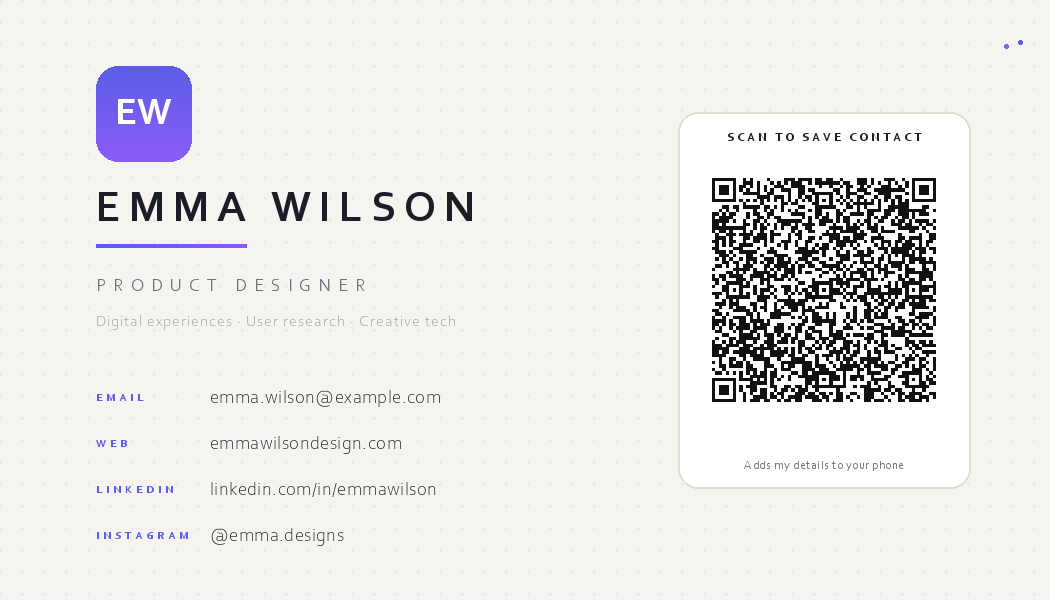
Nine useful payloads—not just URLs
URL
Websites, menus, signup pages, portfolios
Wi‑Fi
Shops, hotels, guest networks
vCard
Business cards and events
Email / SMS
Enquiries, bookings, replies
Phone
Support and store lines
Location
Venues, shops, meeting points
Calendar
Meetings, talks, performances
Plain text
Codes, notes, short instructions
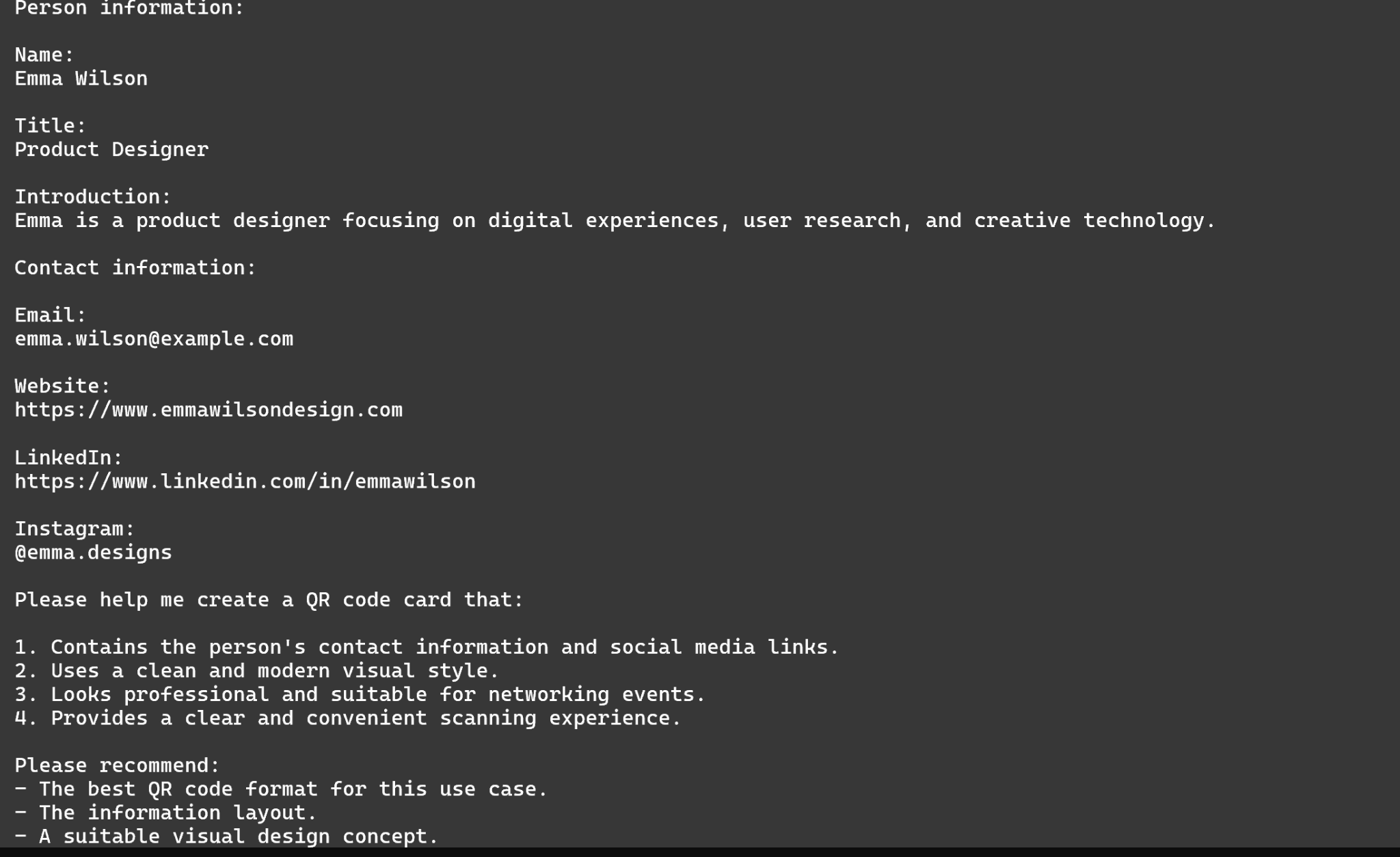
1. Describe what you need
You do not need to learn vCard syntax or Wi-Fi escaping rules. Tell your Agent what the QR is for, which details it should contain, and where it will be used. The Agent chooses the payload type and asks only for the fields that matter.
2. Build the QR and the card
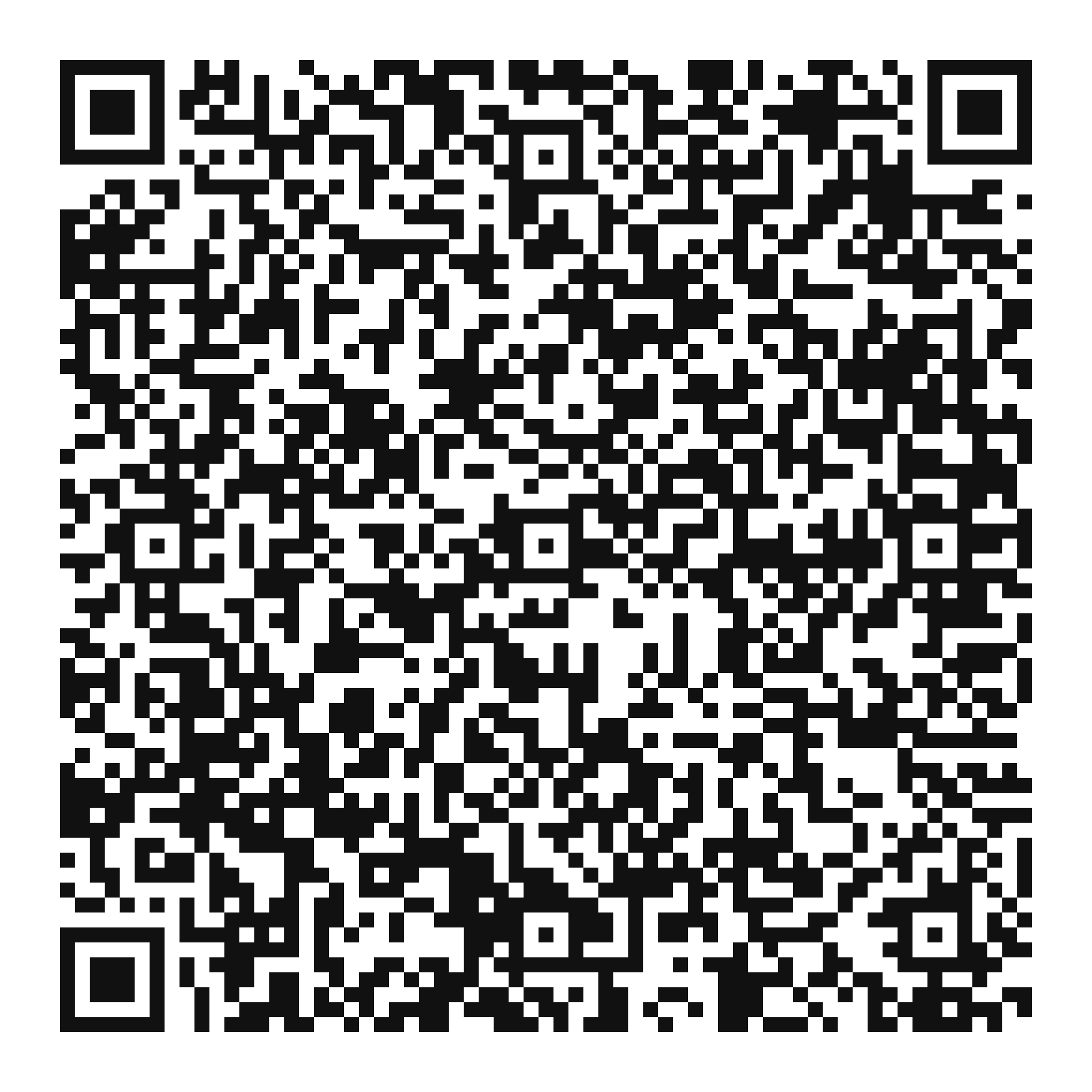
Each run creates a standalone QR plus a card for sharing or print. Built-in options include paper, midnight, and sunset themes, with square or portrait formats.
The code itself stays dark on white with a proper quiet zone. Logos, gradients, and decoration belong around the QR—not over it.
3. Scan the finished artwork
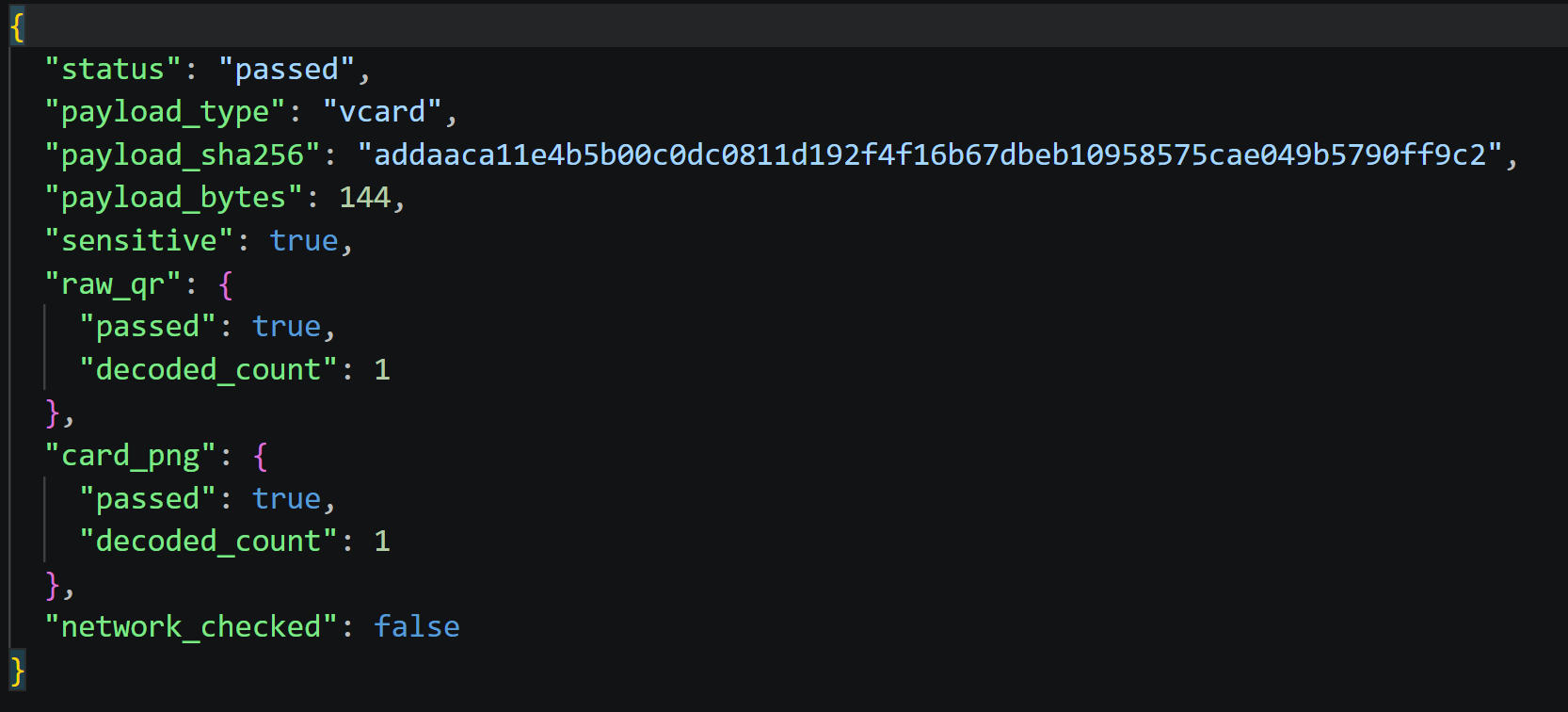
A generated QR is only the first checkpoint. QR Life Kit decodes both qr.png and the final card.png, then compares each result with the original payload. verification.json says passed only when both match.
What is in the output folder?
card.png
Share the finished card in chat, email, or social
card.html
Open and print the full card in a browser
qr.png
Standalone QR for screens
qr.svg
Lossless QR for professional print
verification.json
Two scan-check results
manifest.json
Hashes and build metadata
spec-redacted.json
Reproducible spec without secrets
- Input
- Name, role, organization, and contact details.
- Deliverables
- card.png, qr.png, qr.svg, card.html, manifest.json, spec-redacted.json, verification.json
- Verification
- Inspect verification.json and decode the final card before sharing.
Delivery checklist; the filenames describe the standard package.
Who is it for?
Shops and event teams can make menu, Wi-Fi, and calendar cards. Freelancers and conference attendees can make contact cards. Teams can turn links, locations, or phone numbers into consistent printed material.