Launch fast without looking like a screen recording
Home pages, feature pages, dashboards, and workflows need to become product narratives people can remember in 30-60 seconds.
Video Shotcraft connects real pages, shot cards, 2.5D camera moves, sound, and a Remotion project, so product videos can feel polished and stay editable.
The biggest risk in software product films is looking impressive while no one understands what the product actually does. The interface has to be real, the flow has to be legible, and the shots must remain editable; otherwise even beautiful AI visuals only sidestep the product itself.
Viewers want to see real pages, real features, and real outcomes. A fictional UI, however polished, has a hard time building trust.
Scripts, storyboards, screenshots, camera moves, captions, sound effects, beat timing, and revisions all need attention. Small teams rarely have time to make a polished film for every release.
Programmatic rendering solves how to generate the film, but not how to make it feel like an ad. Shots, rhythm, and sound still need a mature method.
What teams need is not a lucky one-off clip, but a finished project that can be revised, reused, and tracked in version control.
Home pages, feature pages, dashboards, and workflows need to become product narratives people can remember in 30-60 seconds.
Developers already have working pages. The missing piece is turning them into video assets for websites, social posts, and portfolios.
Push-ins, annotations, flying cards, and rhythmic captions break a complex feature path into shots viewers can follow.
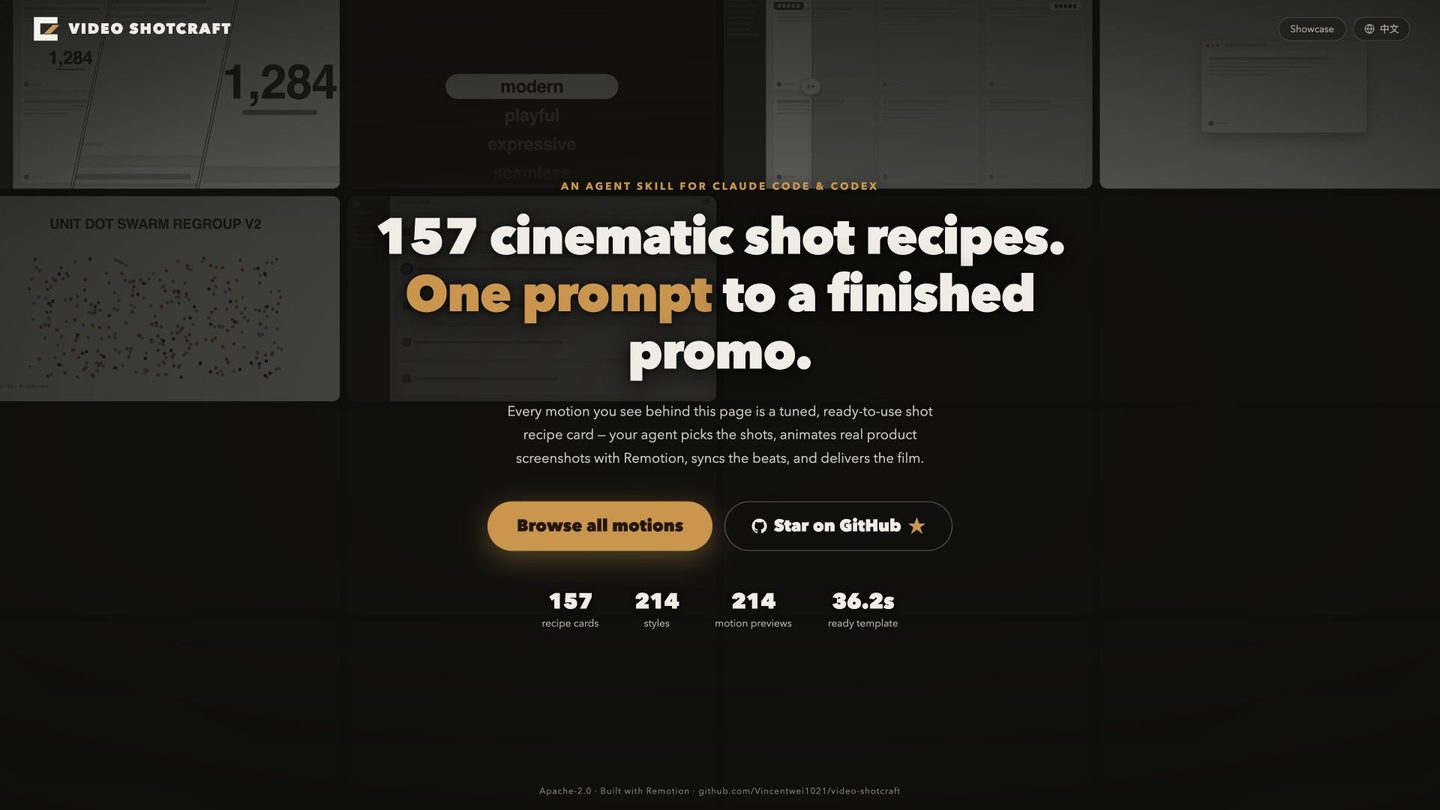
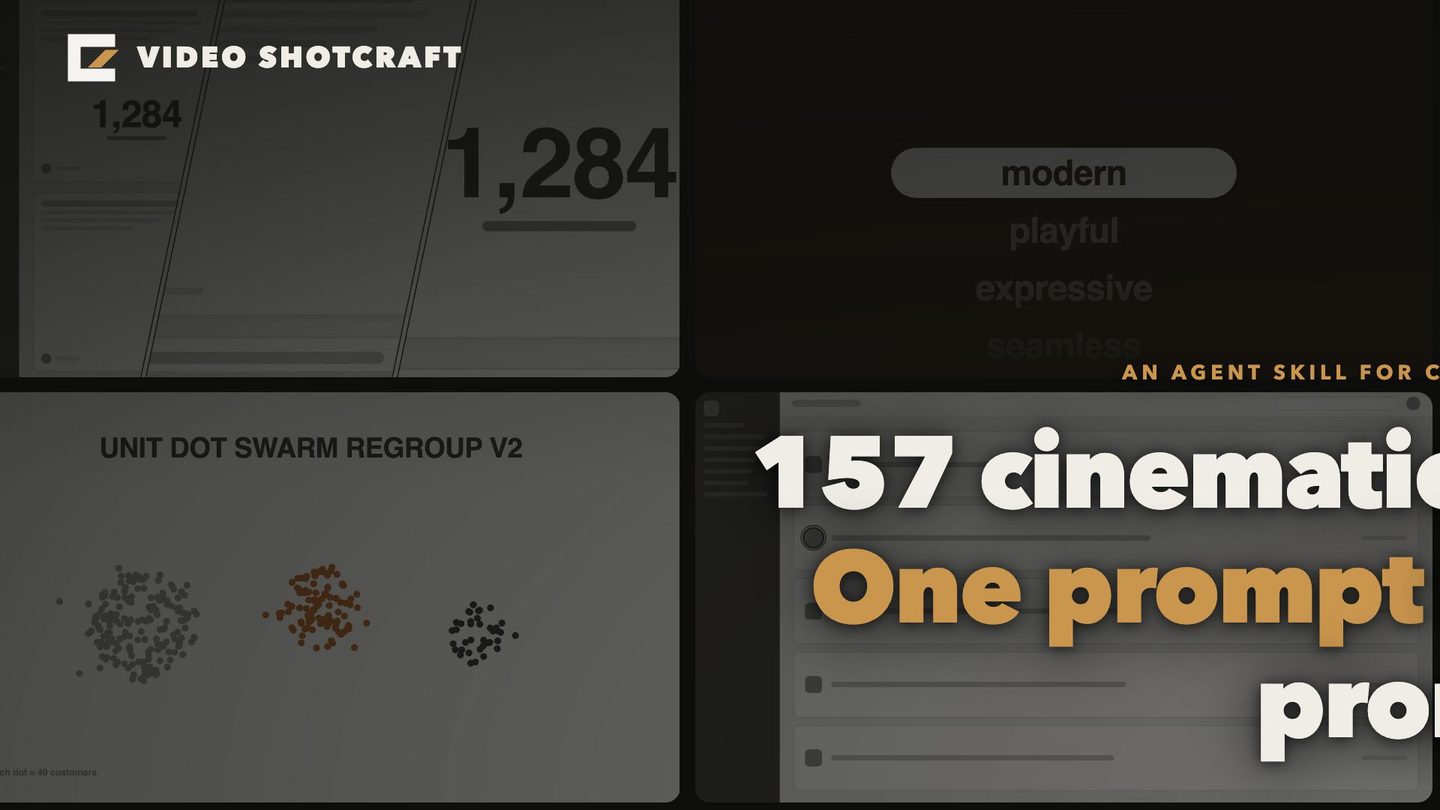
This case starts directly from the Gallery real pages: shot cards, camera moves, sound effects, the Remotion project, and QA all run through to final delivery, with both BGM and no-BGM versions.
Promo film for the author’s own Shotcraft Gallery site, produced through the six-stage Remotion workflow. It is an author-run case, not a customer delivery.
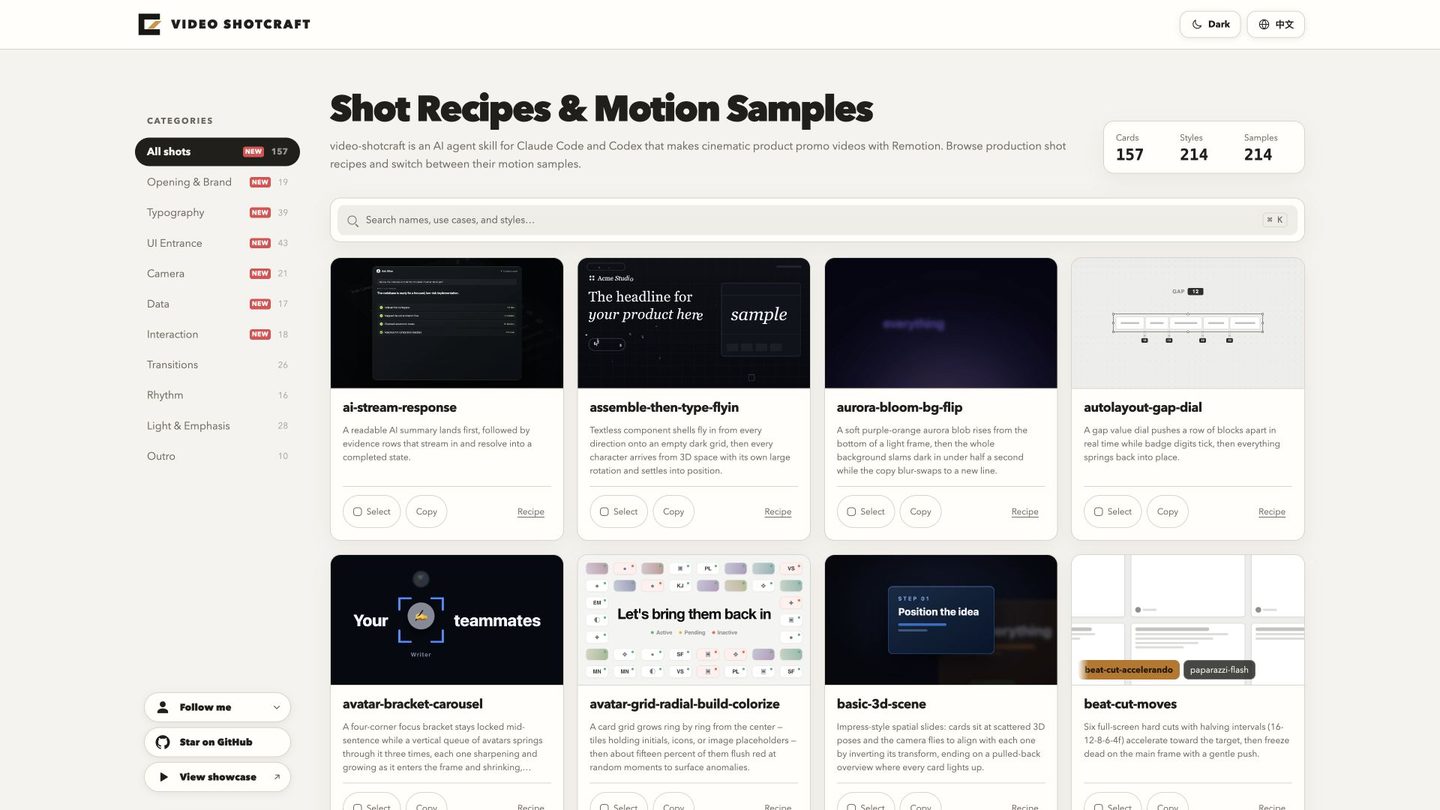
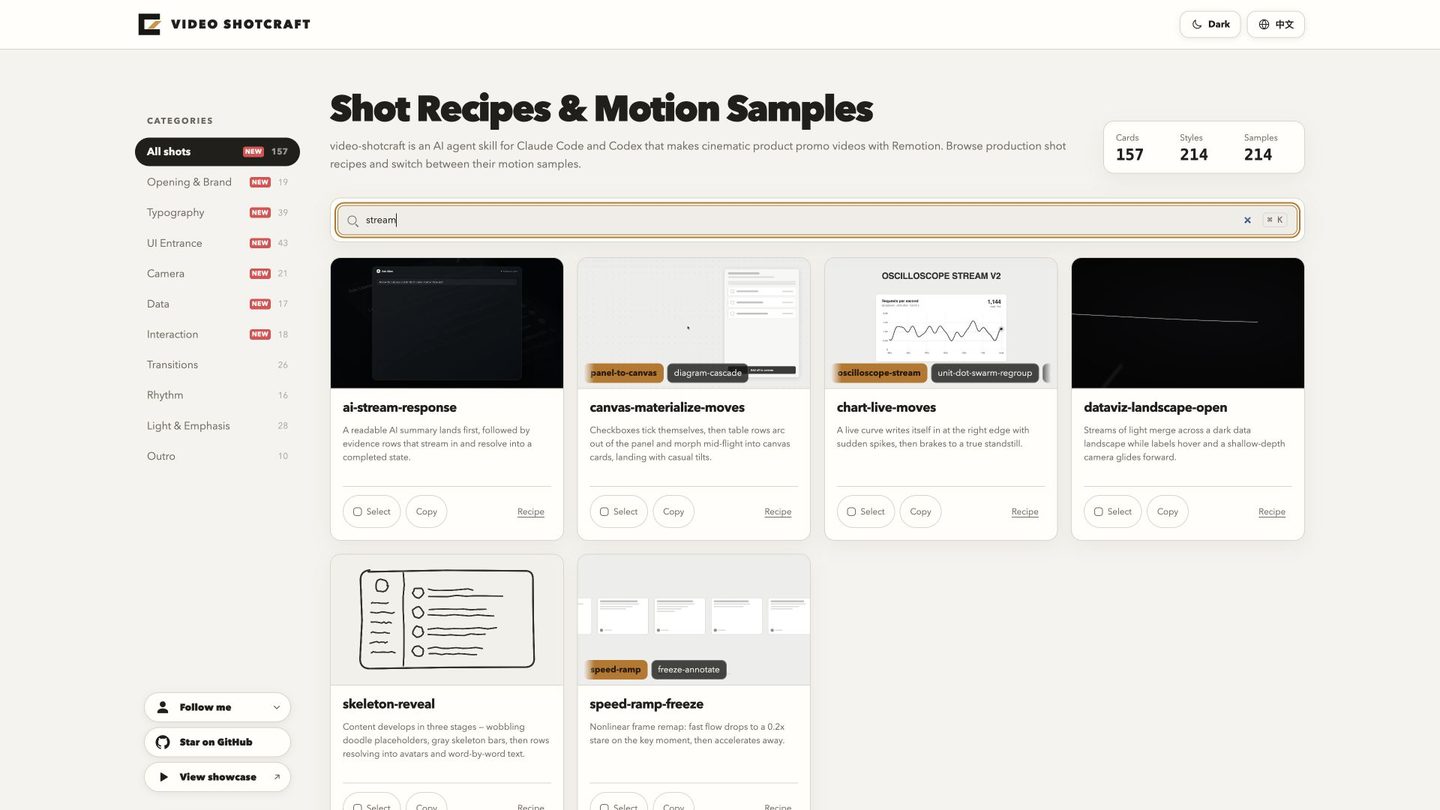
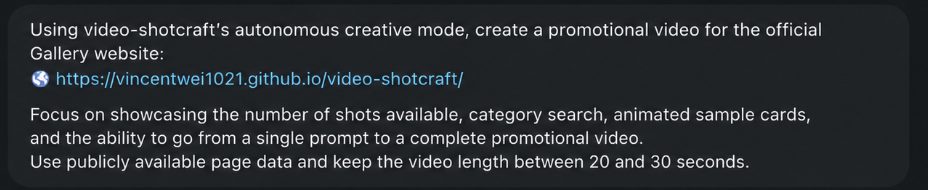
The user provides a product directory, website, screenshots, recordings, audio, or copy. The Skill turns those inputs into a storyboard, project, finished film, and an adjustable workbench.
Load the shot cards, templates, components, audio, and production notes.
Provide the project directory, website URL, screenshots, recordings, product positioning, and must-show features.
Define the theme, structure, style, duration, aspect ratio, language, BGM, and output requirements.
Pick the Ink Press template, autonomous creation, or guided collaboration based on project risk.
Freeze demo data, capture real page states, and avoid blurred text, overlaps, and sensitive information.
Deliver the project directory, BGM and no-BGM films, QA notes, and Motion Workbench.
They have a product, a page, and a launch need, but not enough time for professional storyboarding and motion design.
They need to quickly explain new features, new agents, and new workflows while keeping the visuals real and credible.
Complex interfaces and business workflows do not fit pure text-to-video; they need cinematic expression built on real UI.
They want to upgrade portfolios from static screenshots into showcase assets with camera moves, rhythm, and texture.
They ship small products often, making it natural to reuse shot cards and template structures for a steady video production rhythm.
They need demos that are sharper and more memorable than recordings for websites, social posts, launches, and presentations.
The value of Video Shotcraft is not replacing editing software or randomly generating attractive visuals. It builds an agent-executable motion directing system: real screenshots, shot language, sound design, templates, code implementation, and QA standards, all flowing into an editable, reusable, reviewable product video project.