Upload one image
Use photos, illustrations, portraits, pets, landmarks, or custom artwork.
Upload a photo, illustration, or customer design. Set the size, color limit, and bead palette. Pindou Skill turns it into a print-ready pattern with labeled cells, a complete color key, and material quantities.
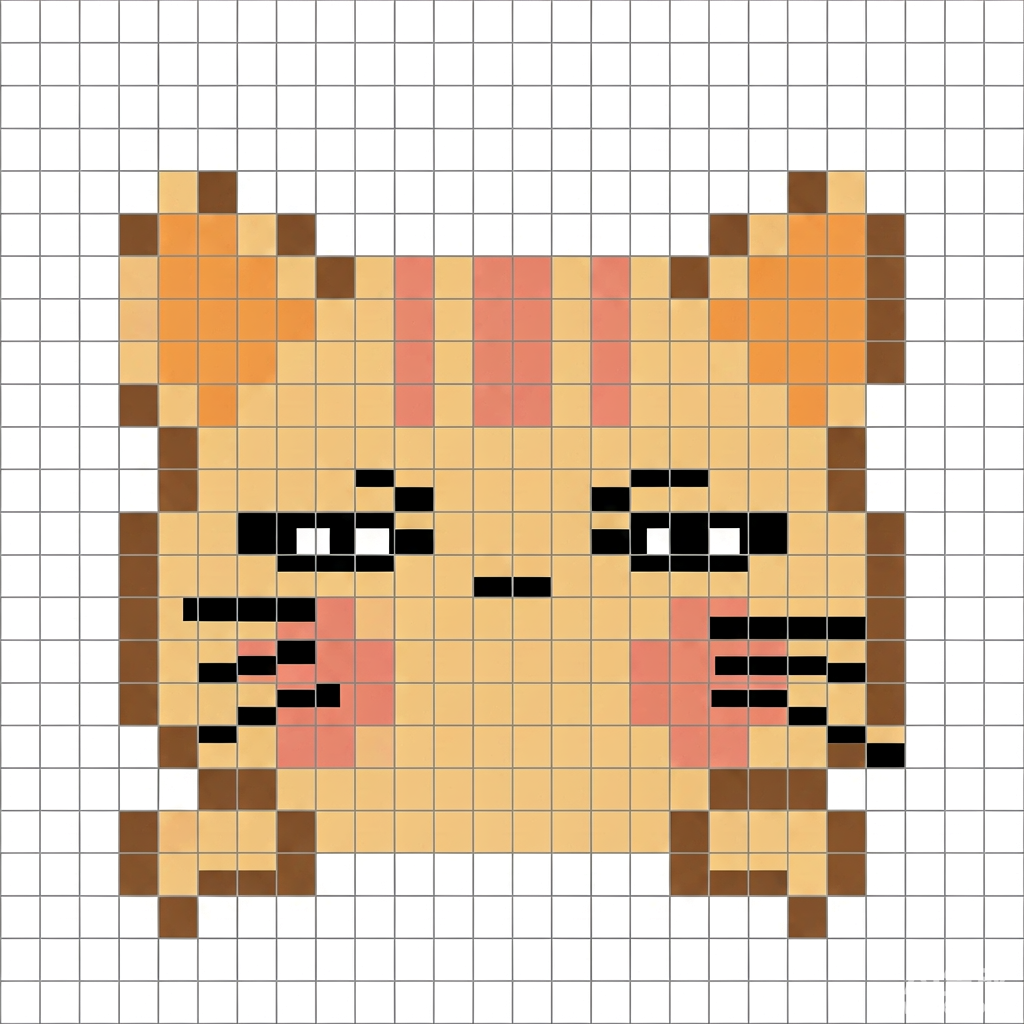
Use photos, illustrations, portraits, pets, landmarks, or custom artwork.
Set the dimensions; the grid is drawn cell by cell, and the final bead count follows the generated pattern.
Control the number of colors and map them to a selected brand palette.
Use color names, codes, and quantities for purchasing and order kitting.
The value is not one conversion step. It is the complete path from source image to printing, material sourcing, and assembly.
A production file—not just pixel art.
Source materials by code, not intuition.
A workflow designed to scale.
Community patterns are useful for existing designs. Quick converters often lose facial features, fur edges, skin tones, and clean contours. Professional design software adds a steep learning curve.
How large should the product be? Which physical colors should be used? How many beads are required? Can the file be printed? Can a maker assemble it without another round of editing?
Pindou Skill connects image preparation, pixel mapping, palette matching, grid labels, and material totals in one workflow.
Creators spend more time selecting good artwork, refining the look, producing content, and fulfilling orders.
The output is built to be assembled in the real world, not simply viewed on a screen.
Attach a photo, illustration, or customer-approved design.
Set composition, background, dimensions, color count, and palette.
Center the subject, simplify the image, and keep background cells clear.
Map image colors to the built-in MARD 221 palette (the only bundled palette).
Export the grid, labels, color key, totals, and a PNG (rendering the final image requires cairosvg).
Landmarks, travel memories, custom portraits, and illustration-based products can all become bead patterns.
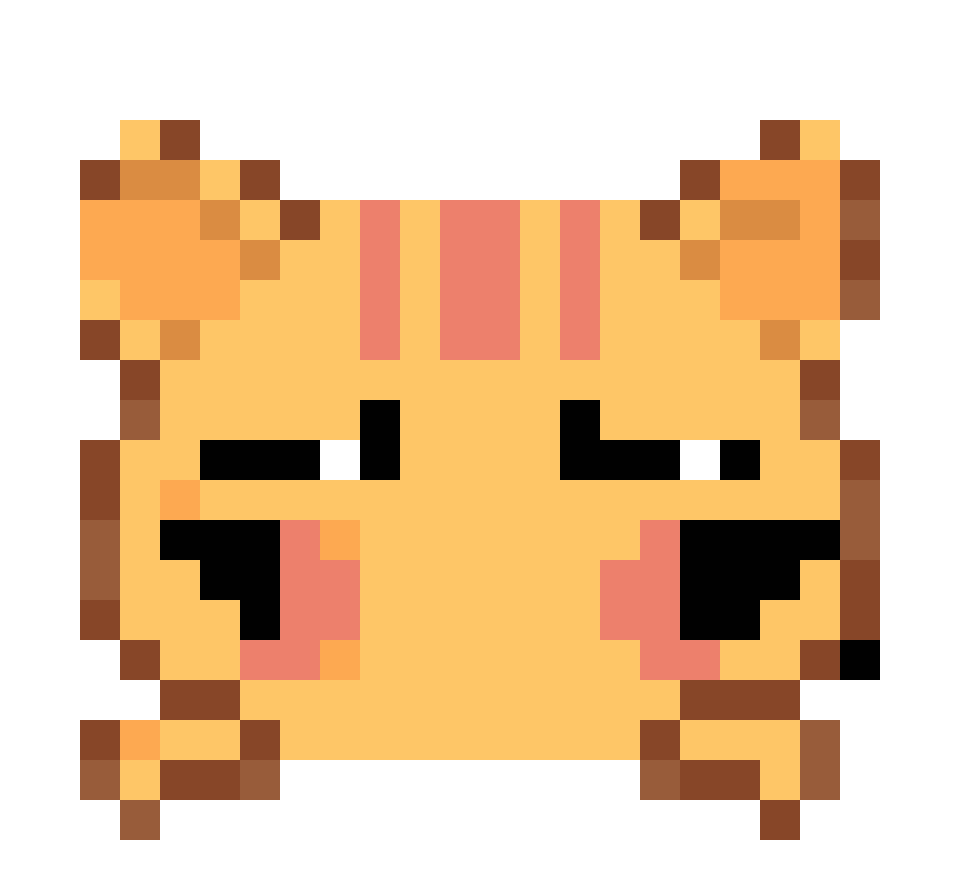
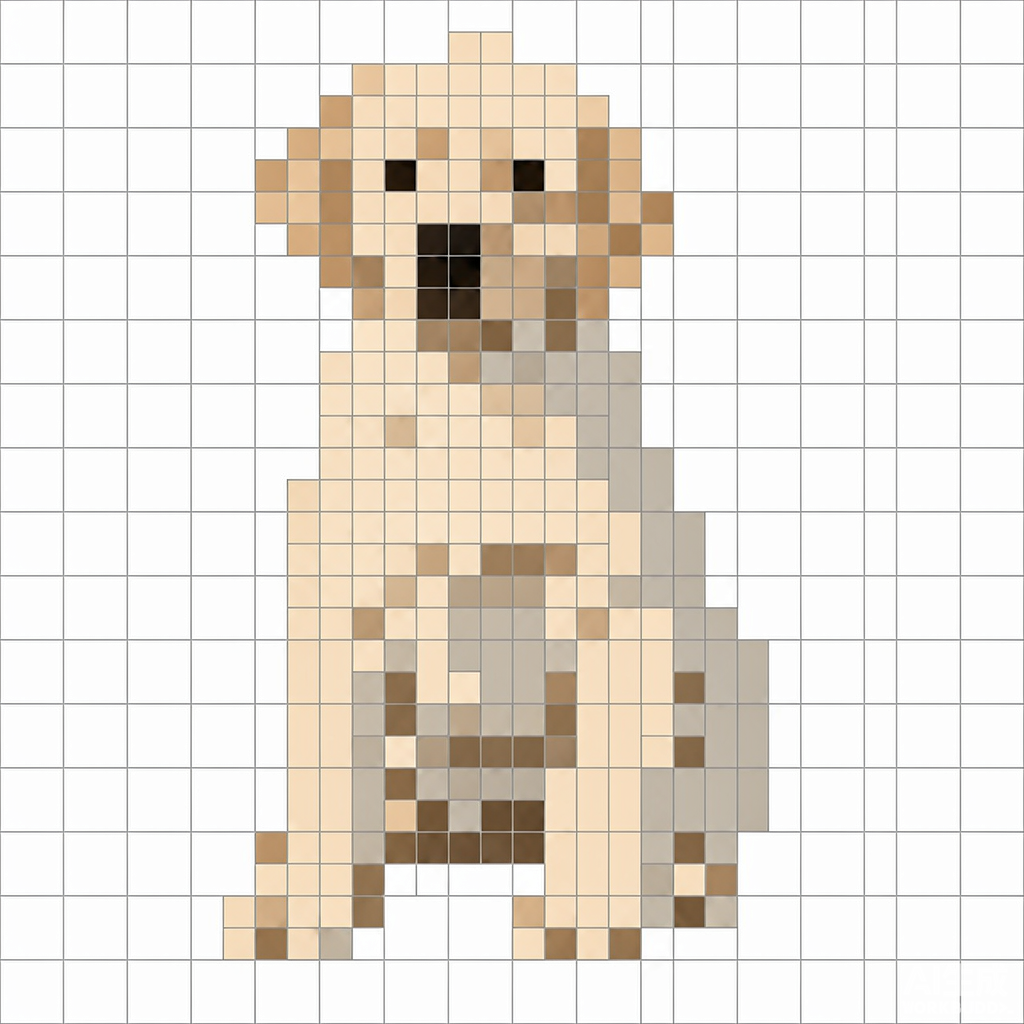
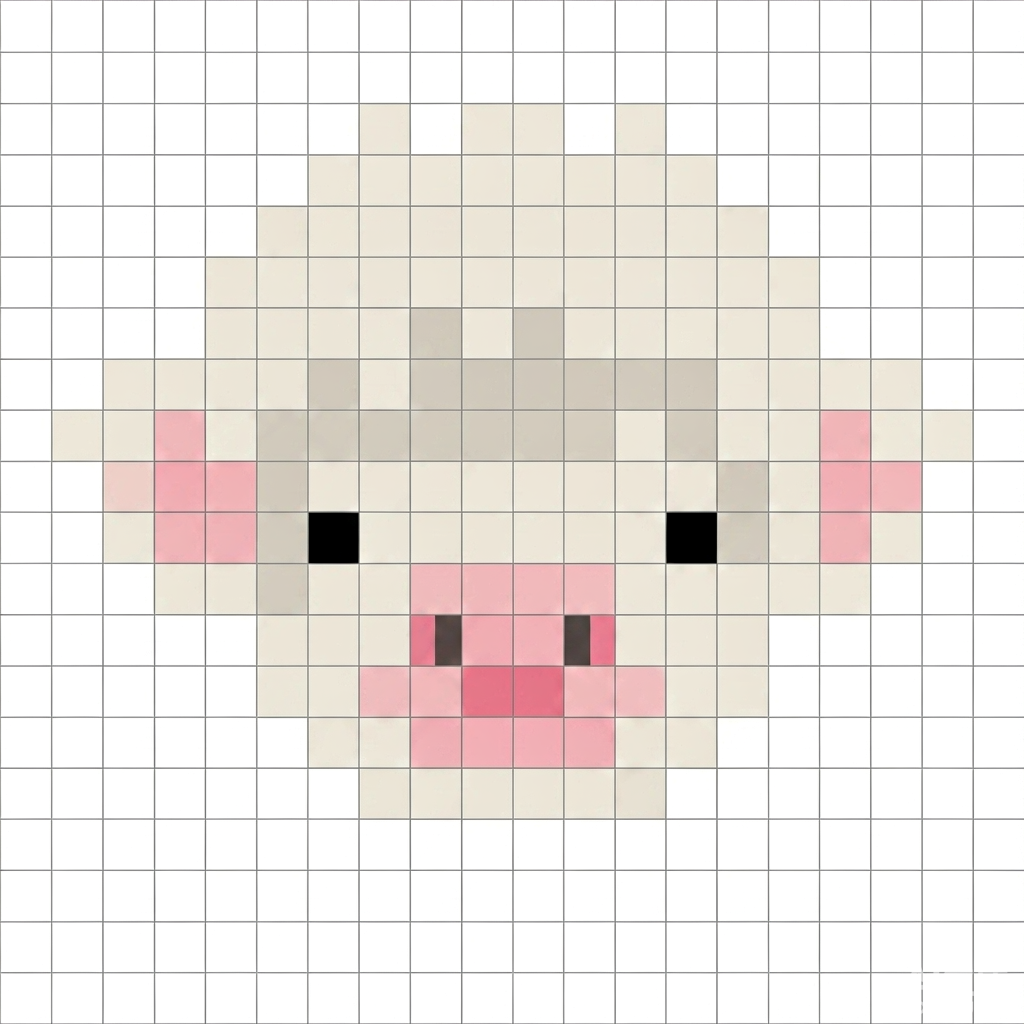
Grid labels, color codes, swatches, and quantities support the next real production step.
Users provide the image, size, color count, and palette instead of switching between multiple tools.
Portraits, pets, landmarks, and personalized designs become easier to prepare consistently.
Quantity totals simplify sourcing, DIY kit preparation, and made-to-order fulfillment.
Bead art does not end on a screen. It becomes physical beads, boards, colors, packaging, and one deliberate assembly step at a time.
Pindou Skill brings image processing, palette matching, quantity calculation, and print preparation into a single reusable workflow.
When the source image, pattern, color codes, and material quantities connect, creators can move from occasional projects to consistent production and custom fulfillment.
Upload a photo or design, then specify the dimensions, color limit, background treatment, and bead palette. Receive a printable pattern with labeled cells, a full color key, and material quantities.
Open the Skill on Finch ↗