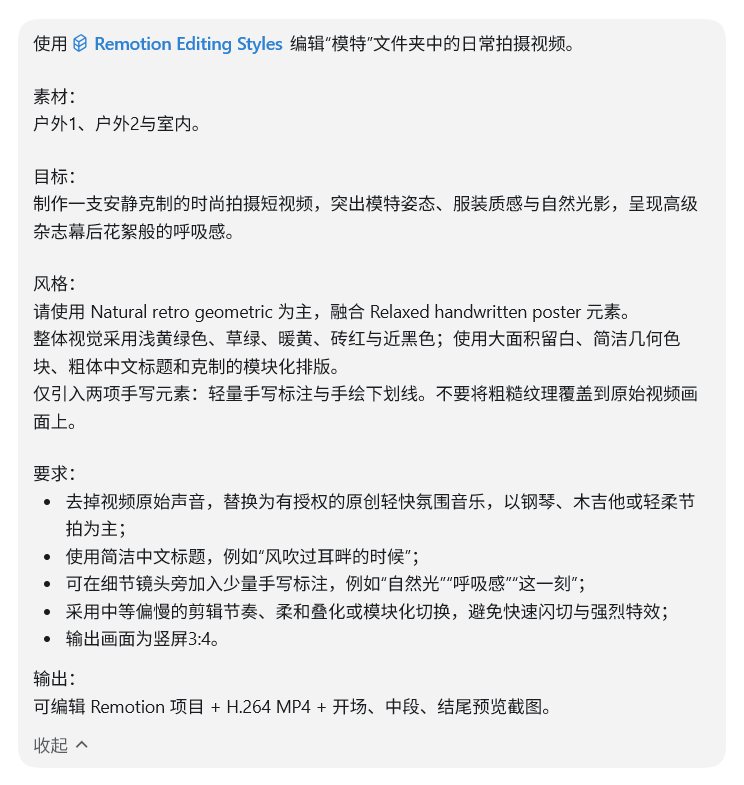
A simple interview cut of around one minute
Drop in your footage.
Get an editable cut and a ready MP4
Give the Skill your clips and a one-paragraph brief. It returns a finished vertical or landscape video plus the Remotion project behind it, so the next edit starts from the project rather than from scratch.
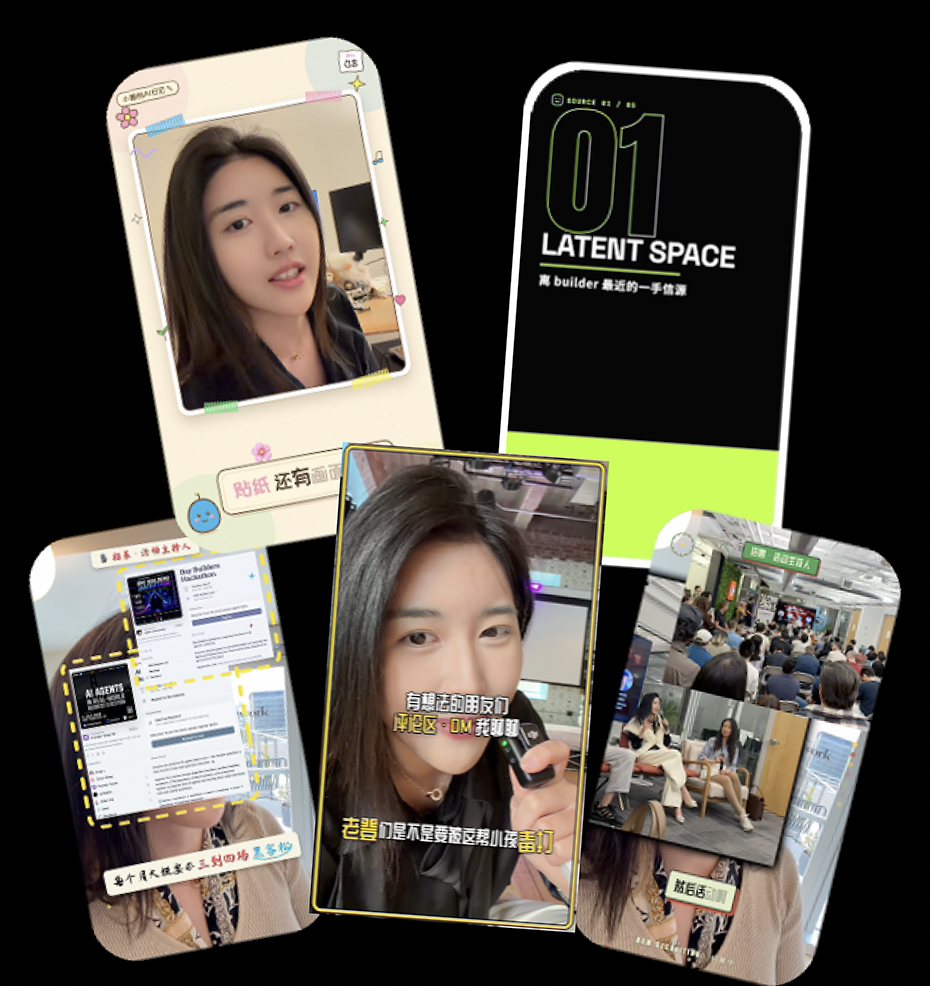
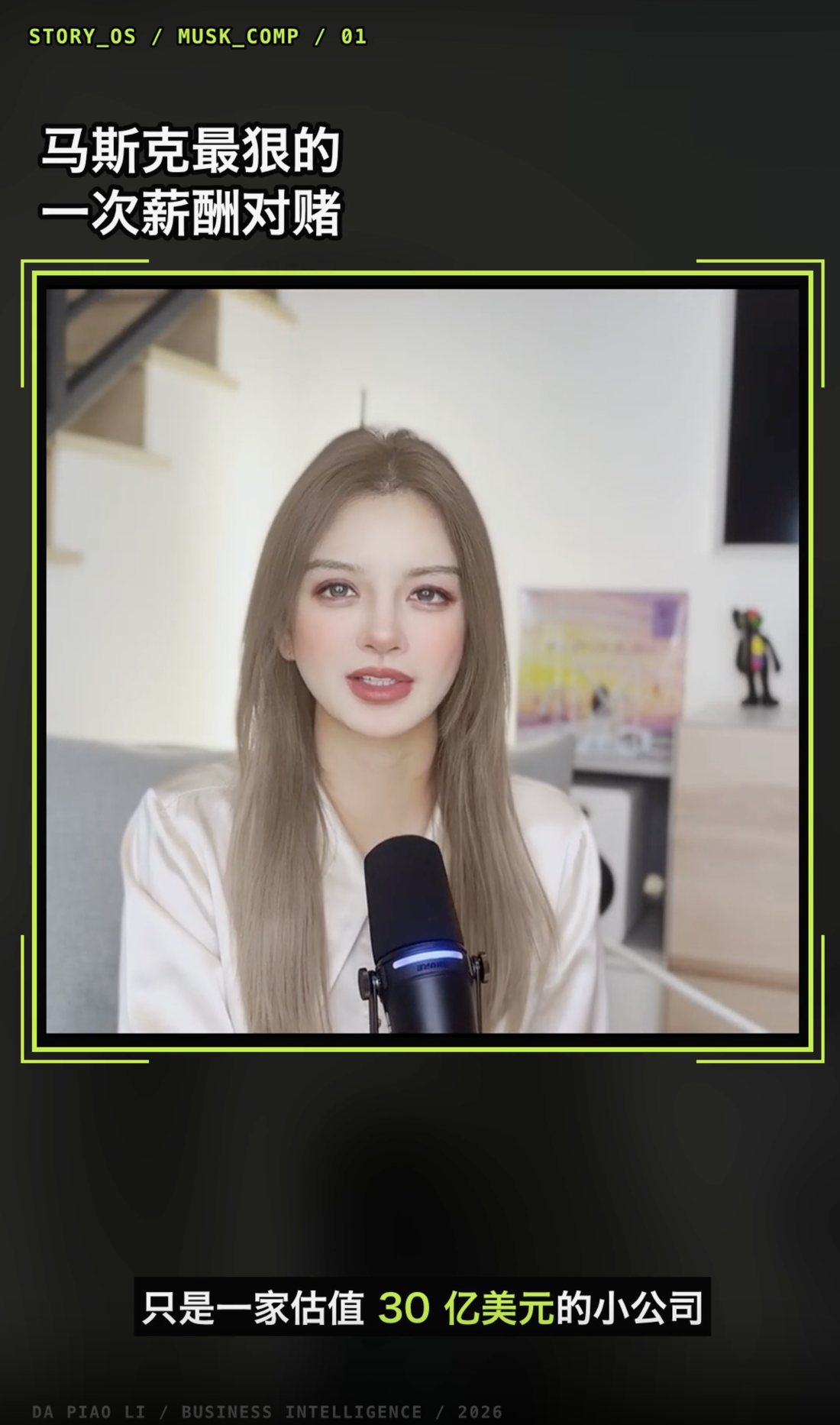
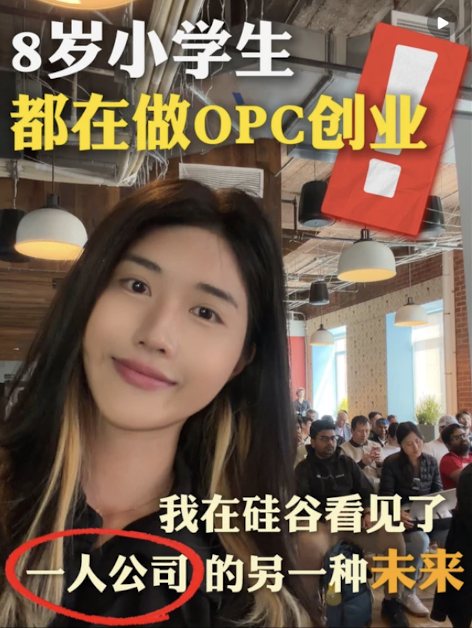
REAL OUTPUTPORTRAIT · LANDSCAPECAPTIONS · GRAPHICS · PACINGMP4 ✓
REAL OUTPUT
Two small runs, shown in full
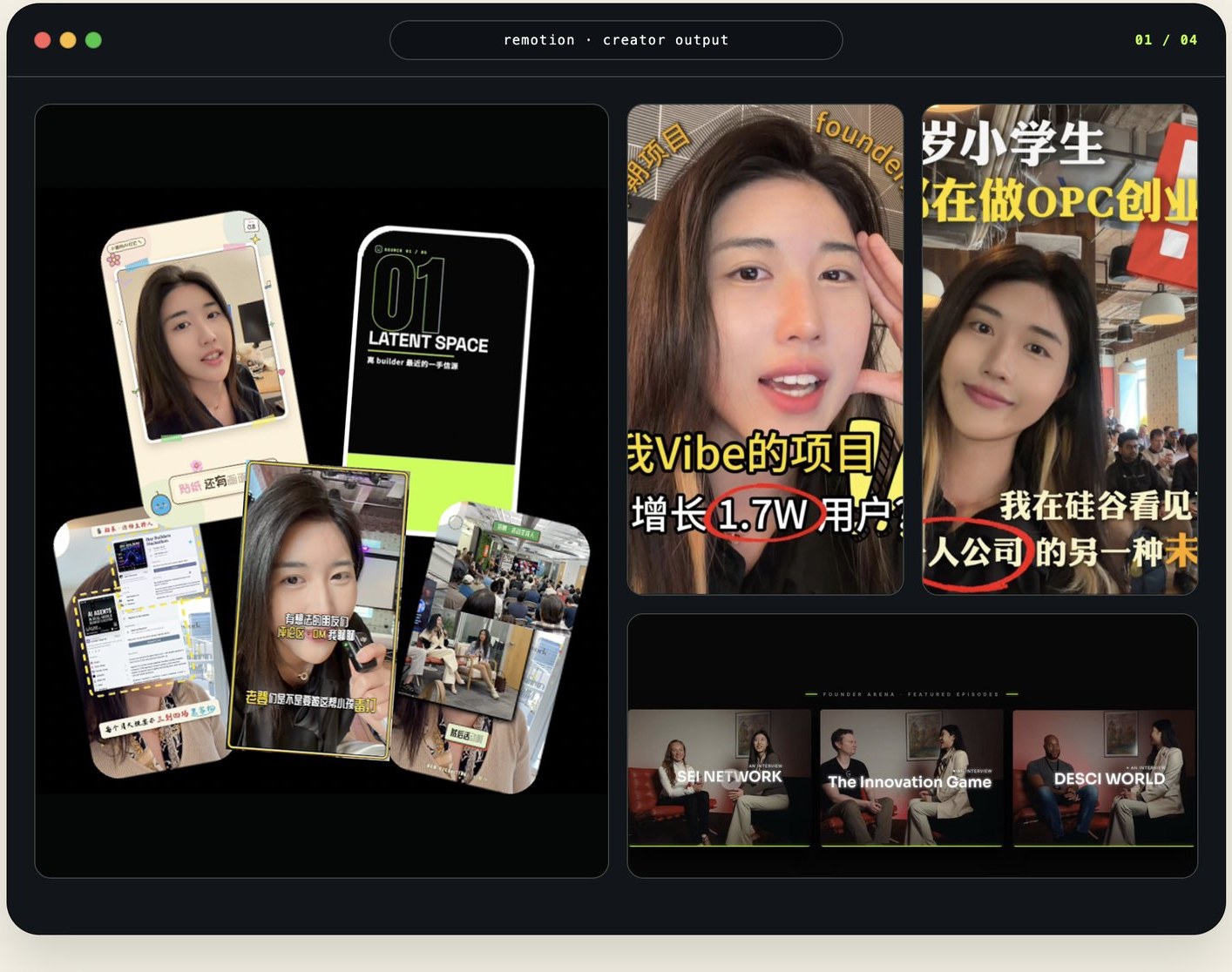
Why does a 30 second video take 2 to 3 hours to edit?
Short doesn't mean simple. Exporting isn't what makes traditional editing slow. The time goes into making and remaking dozens of manual decisions.
A talking head video with captions
A 30 to 90 second video with B roll, graphic treatment, and pacing adjustments
A short form video with motion graphics or commercial style packaging
Where does the time go?
REPEATED
DECISIONS
DECISIONS
Pacing takes work
Selecting footage, finding the opening hook, hitting music cues, and controlling information density all take repeated trial and adjustment.
Captions need rework
AI can transcribe the dialogue, but checking accuracy, shortening lines, setting line breaks, and styling captions still depend on human judgment.
Visual packaging takes time
Graphics, type, colors, opening and closing treatments, platform formats, and repeated revisions all add time to the edit.
Fixing gaps during the edit
Missing shots, copy, music, or brand information often surface halfway through the edit. You then have to find more material, restructure the sequence, and export again.
If editing apps keep getting simpler, why does publishing still take so long?
LOWER LEARNING CURVEDECISIONS STILL REQUIREDREVISIONS STILL HAPPEN
What if AI could handle these recurring editing decisions in one workflow?
↓You don't need it all figured out
Can you get a video ready for the platform without deciding every edit upfront?
Yes. Give it your video and the Skill. You do not need a complete editing plan first. If key information is missing, the Skill reviews what you have, identifies the gaps, and asks only for the decisions it needs.
It plans the shot order, aspect ratio, audio treatment, pacing, and visual direction. Once you confirm the direction, it turns the plan into a finished video.
It helps shape the edit
then cuts the video for you
ALL YOU PROVIDEEVERYTHING IT HANDLES
Video→Shot selection, format, sound, visual hierarchy, and story structure
Skill→Captions, pacing, typography, color, transitions, motion, and export settings
No script. No editing plan upfront. Video + Skill creates the complete result on the right.
Five complete editing styles
Pick one and start editing
These five styles cover technology, illustration, handwritten expression, and retro campaigns.
You don't need to design the visual system from scratch. Choose the closest match to establish the direction of your edit.
These are not color filters. Each is a complete editing language, with coordinated layouts, captions, composition, transitions, and motion.
Choose the style closest to your goal to keep the visual treatment and editing direction consistent across the entire video.
STYLE 01Cyber BrutalismCyber Brutalism
A startup pitch deck look with black, neon green, high contrast, and disciplined Swiss-inspired spacing.
STYLE 02Natural RetroNatural Retro
A 1970s Bauhaus-inspired system with bold type, modular geometry, and organic color blocks.
STYLE 04Loose HandwritingLoose Handwriting
A relaxed designer-notebook look with cream paper, red and blue accents, and imperfect handwritten edges.
STYLE 05American VintageAmerican Vintage
Rich color blocking, deep purple, lake blue, cream yellow, and collegiate slab-serif typography.
AI edits the video. You keep creative control
Describe the footage, video objective, style, and all delivery requirements in a single prompt.
Example 1: Fashion Short Editing Brief
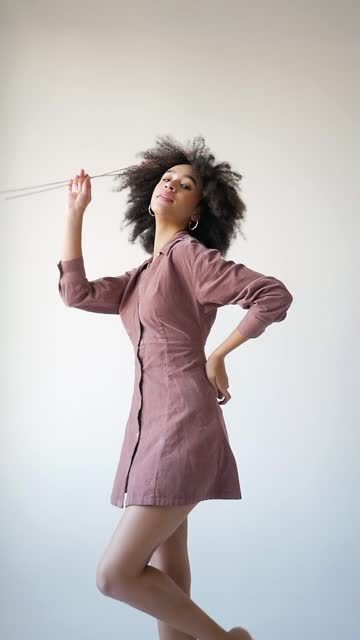
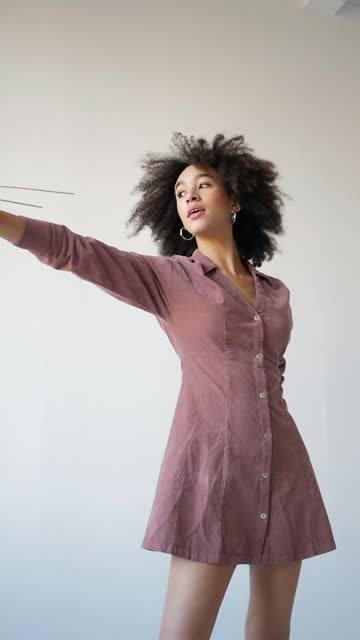
Use Remotion Editing Styles to edit the everyday footage in the “Model” folder.
Footage
Outdoor 1, Outdoor 2, and Indoor.
Objective
Create a quiet, restrained fashion short that highlights the model’s movement, the texture of the clothing, and natural light. The finished piece should feel like polished behind the scenes footage from a premium fashion magazine.
Style
Use Natural Retro as the primary direction, with selected Loose Handwriting elements.
Use pale yellow green, grass green, warm yellow, brick red, and near black. Build the composition with generous whitespace, simple geometric color blocks, bold titles, and restrained modular layouts.
Use only two handwritten elements: light handwritten notes and hand drawn underlines. Do not place rough textures over the original footage.
Requirements
- Remove the original audio. Replace it with licensed original music that feels light and relaxed, led by piano, acoustic guitar, or a gentle beat.
- Use concise titles, such as “When the wind brushes past.”
- Add a small number of handwritten notes near detail shots, such as “natural light,” “room to breathe,” or “this moment.”
- Use a moderately slow editing rhythm with soft dissolves or modular transitions. Avoid rapid cuts and heavy effects.
- Deliver in a vertical 3:4 frame.
Output
An editable Remotion project, an H.264 MP4, and preview frames from the opening, middle, and ending.
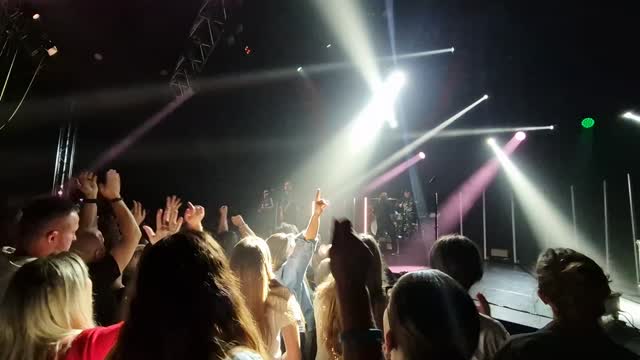
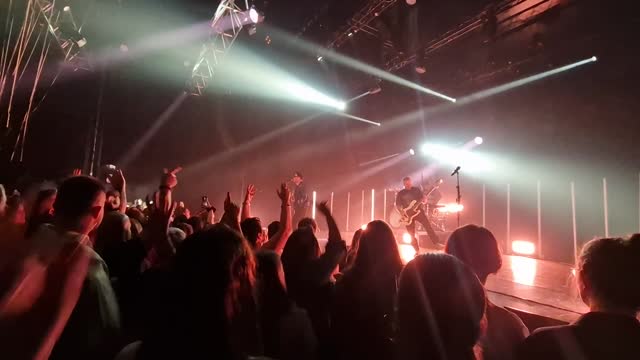
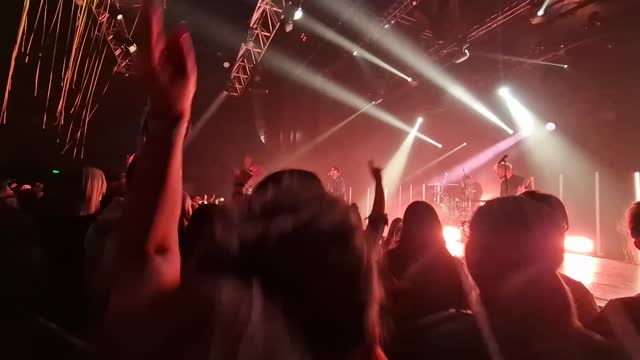
Example 2: Live Show Promotion Frames
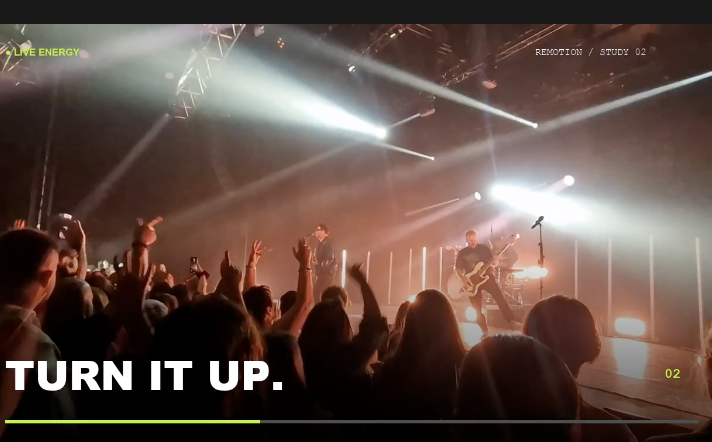
All of this information remains in the project files. To revise the video later, update the prompt and render it again.
Not mockups
Work produced in real runs
01
CASE 01 · FASHION SHORT
Fashion short
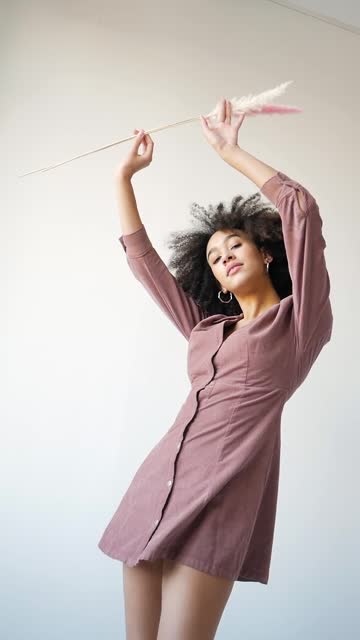
Outdoor and indoor shots were unified with restrained whitespace, modular layouts and a small number of handwritten annotations.
Rendered from the footage in the Model folder during testing
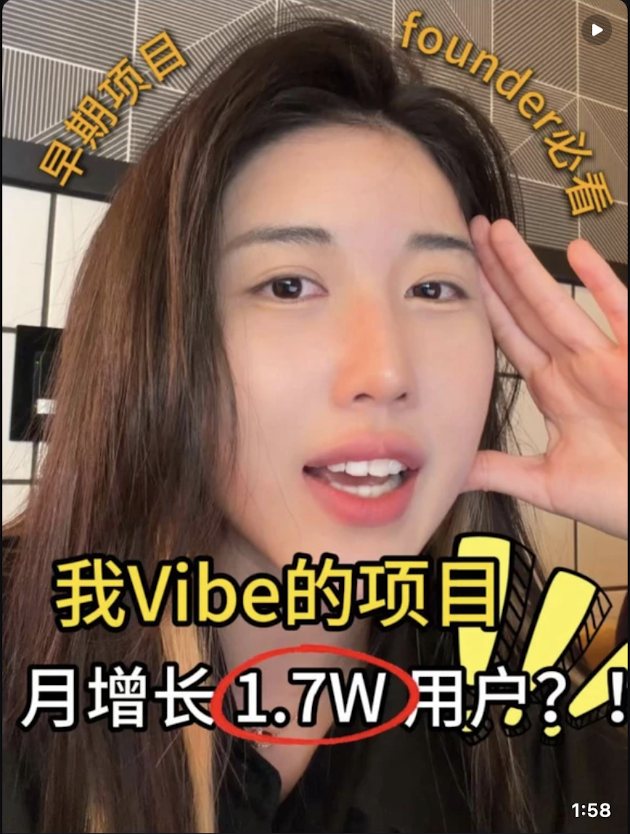
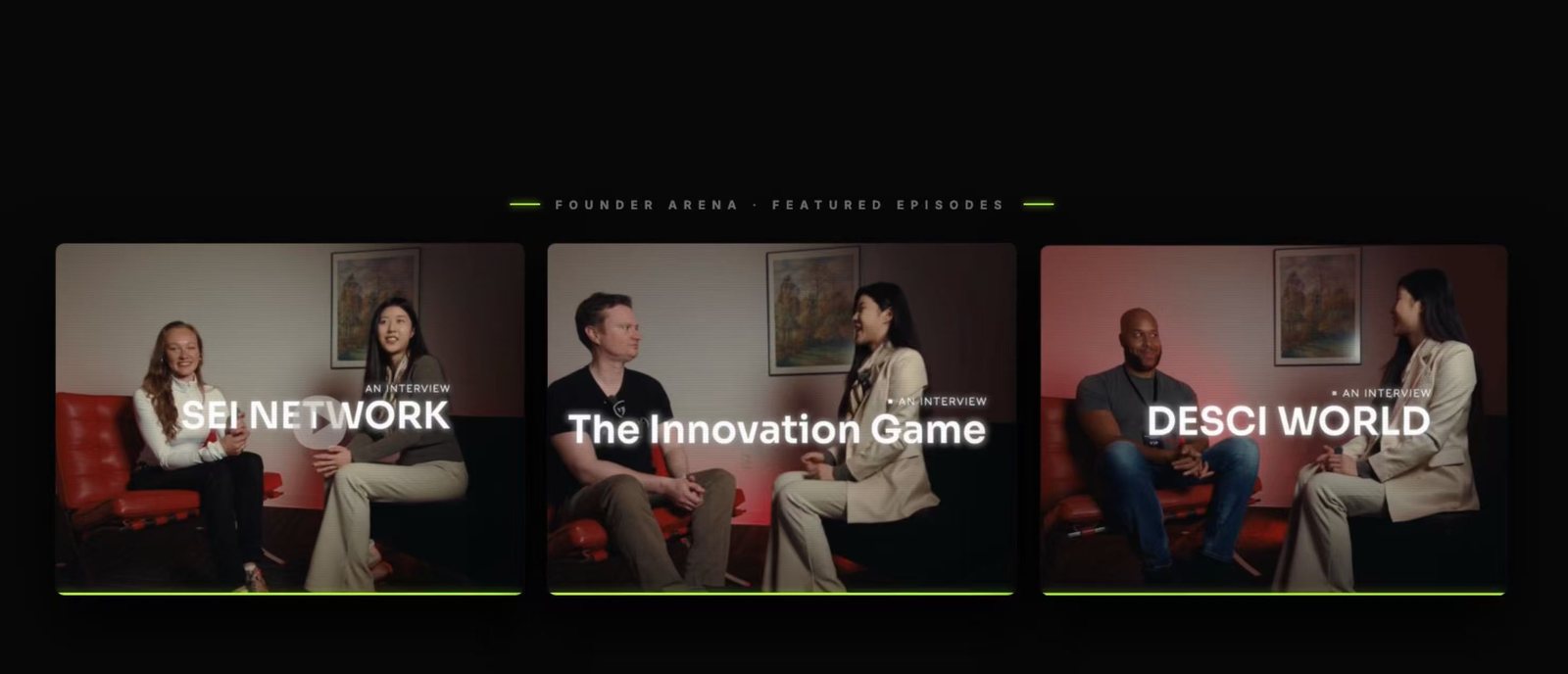
02
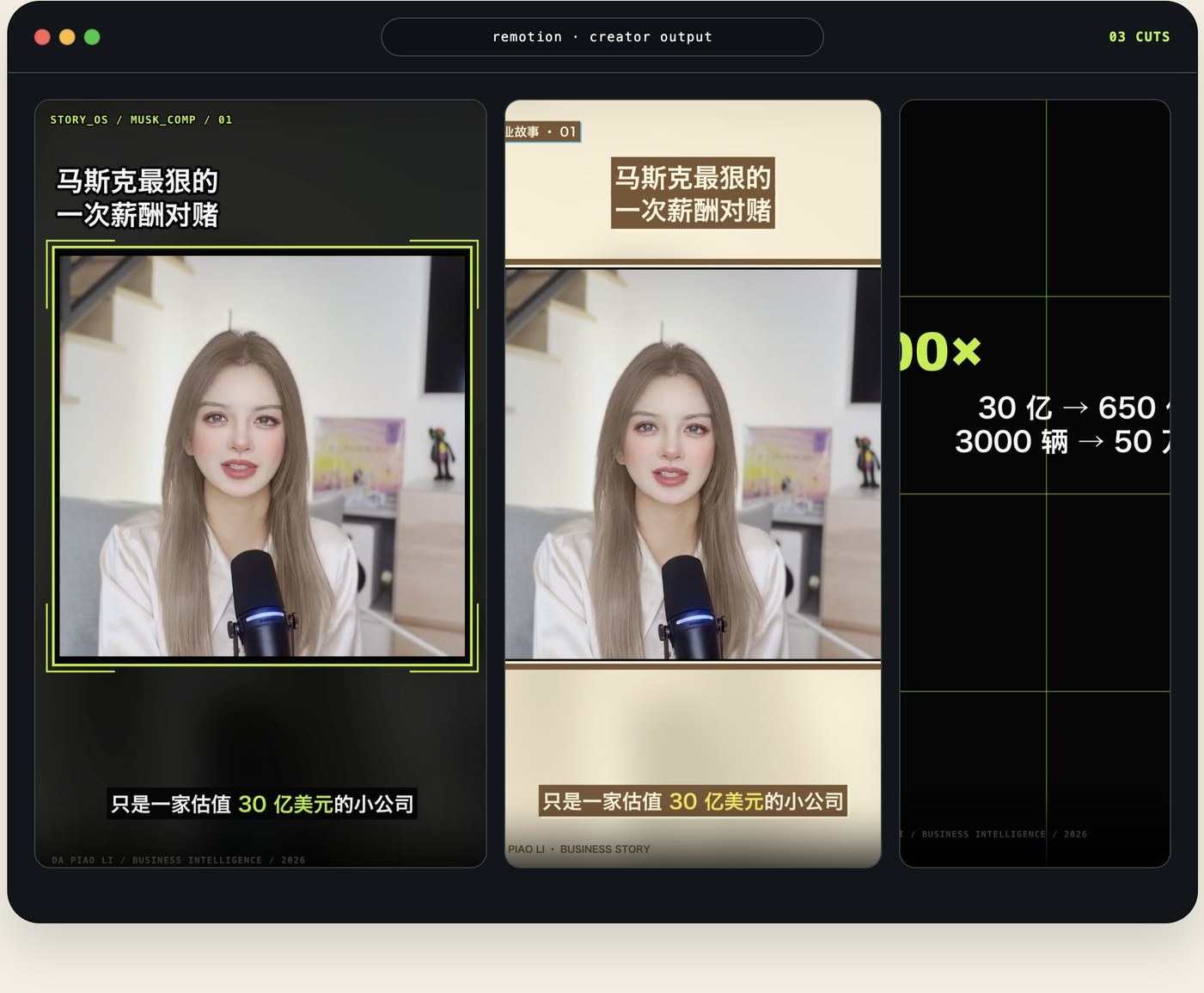
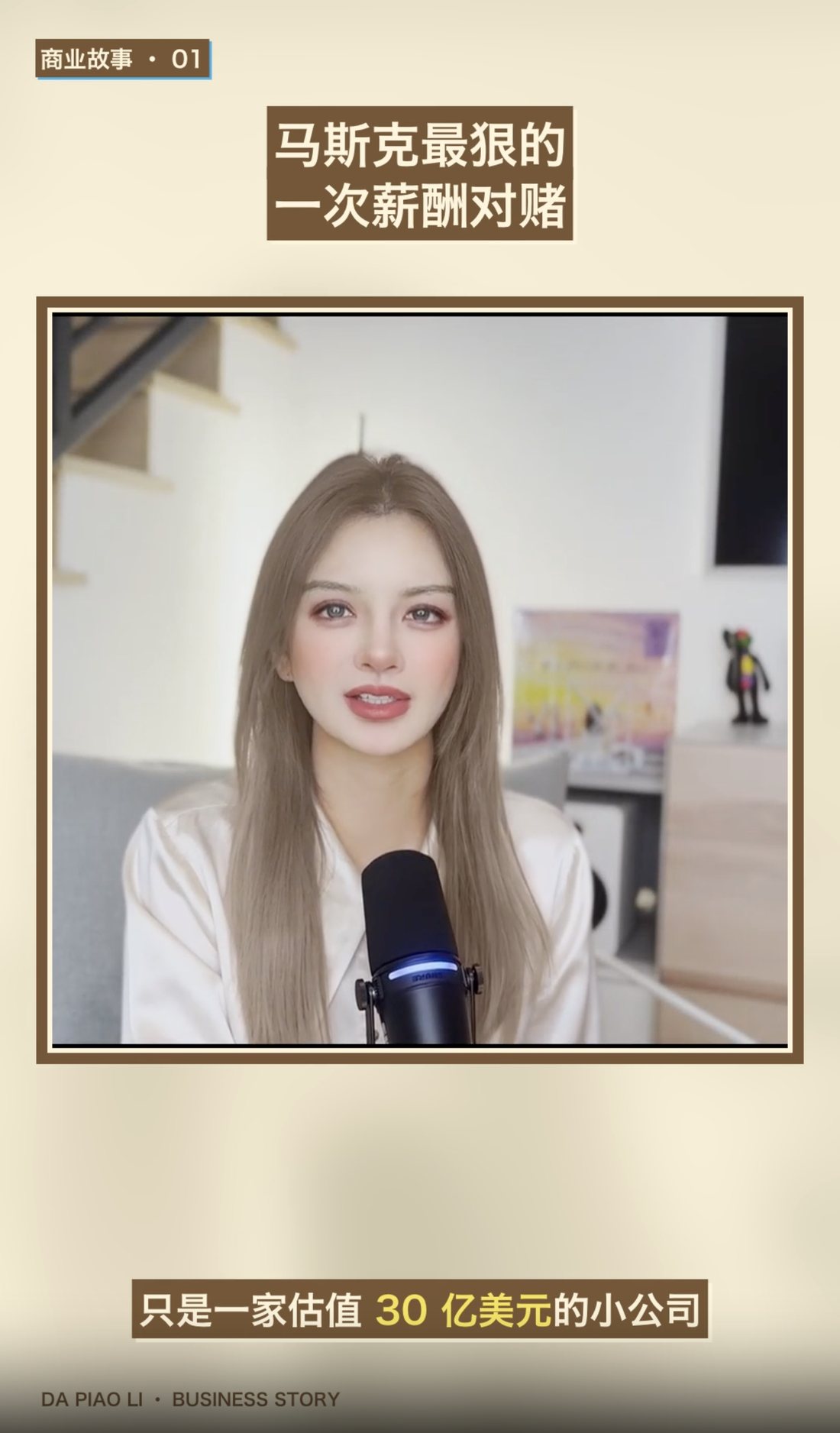
CASE 02 · STORY TELLING
Narrative business storyCyber Brutalism treatment
The same source footage rebuilt three ways to show how far the style system moves the result.
Frames exported during testing
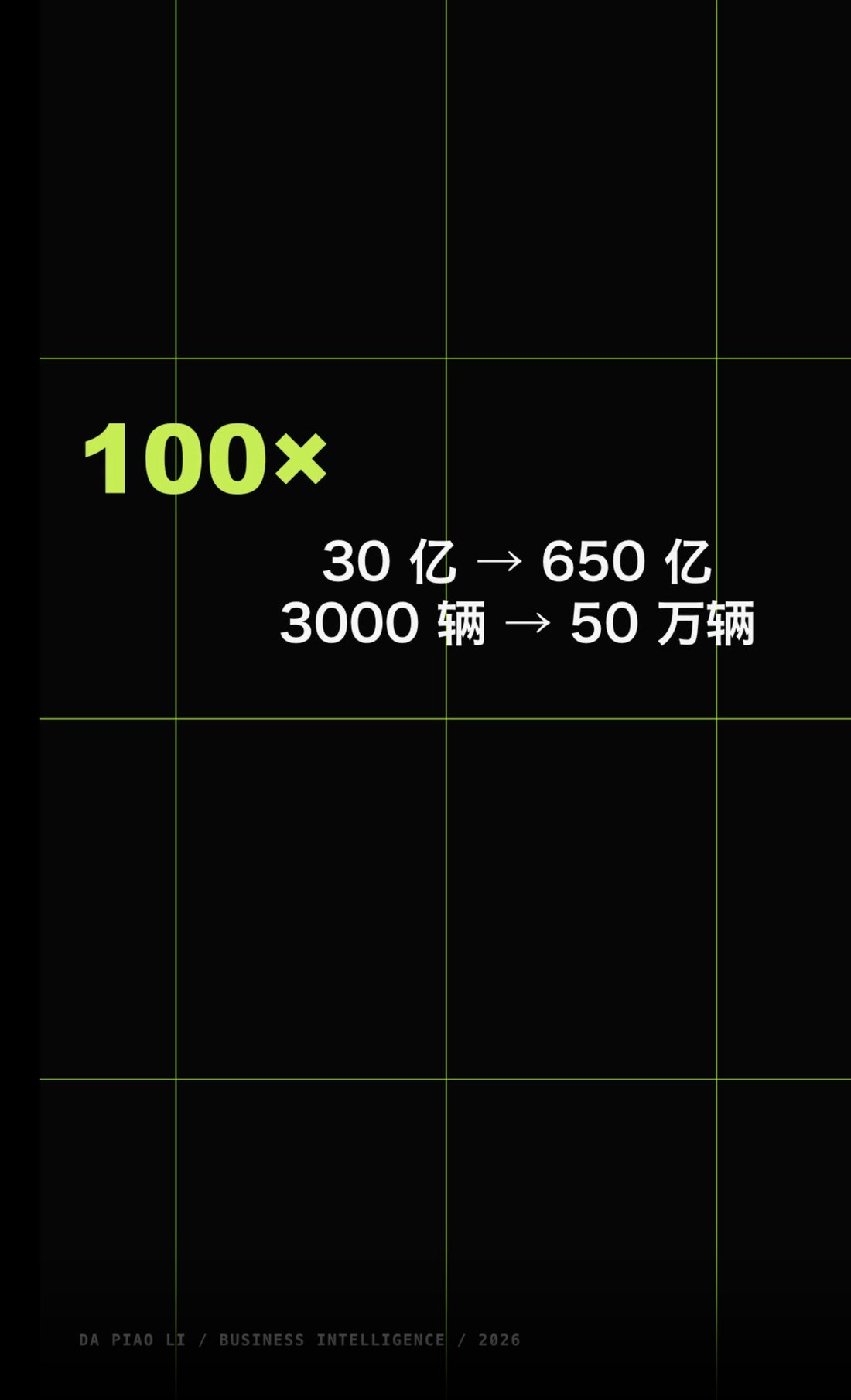
03
FASHION SHORT
Fashion short
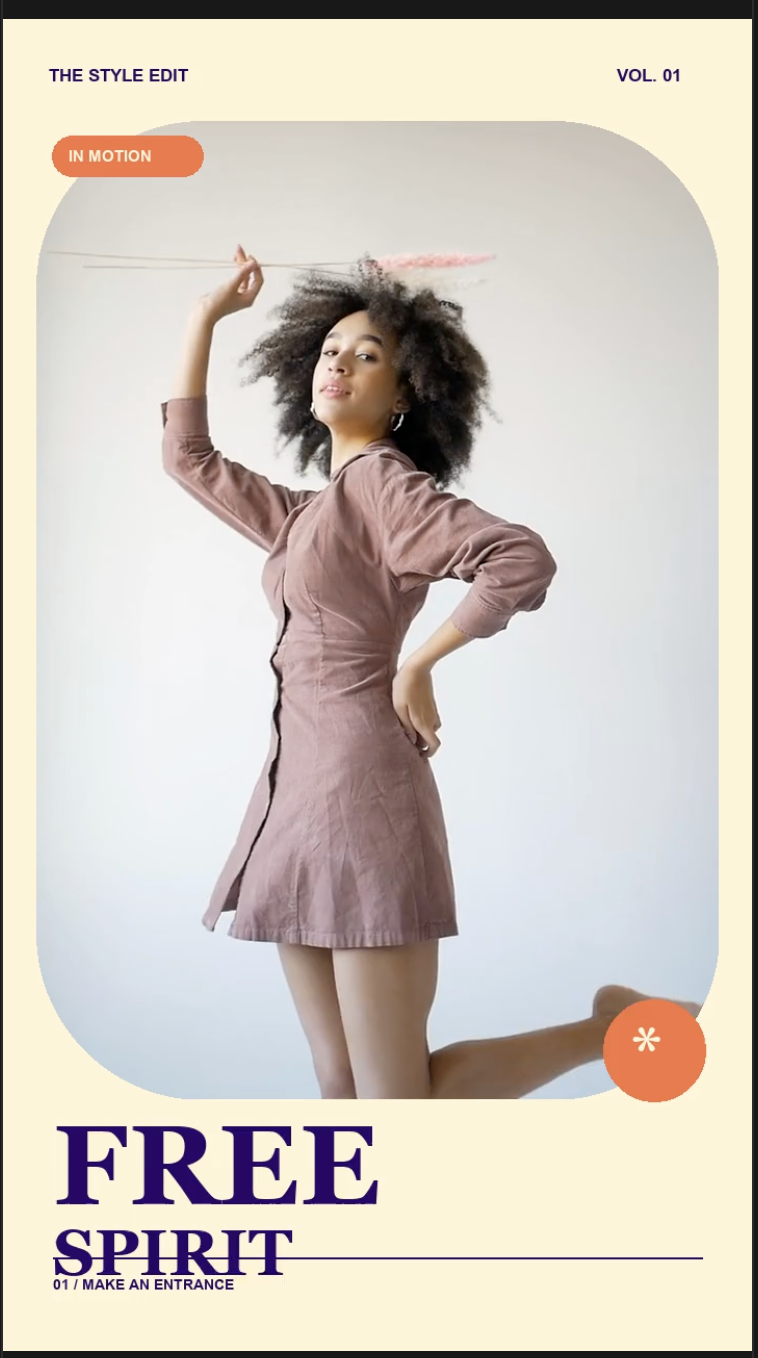
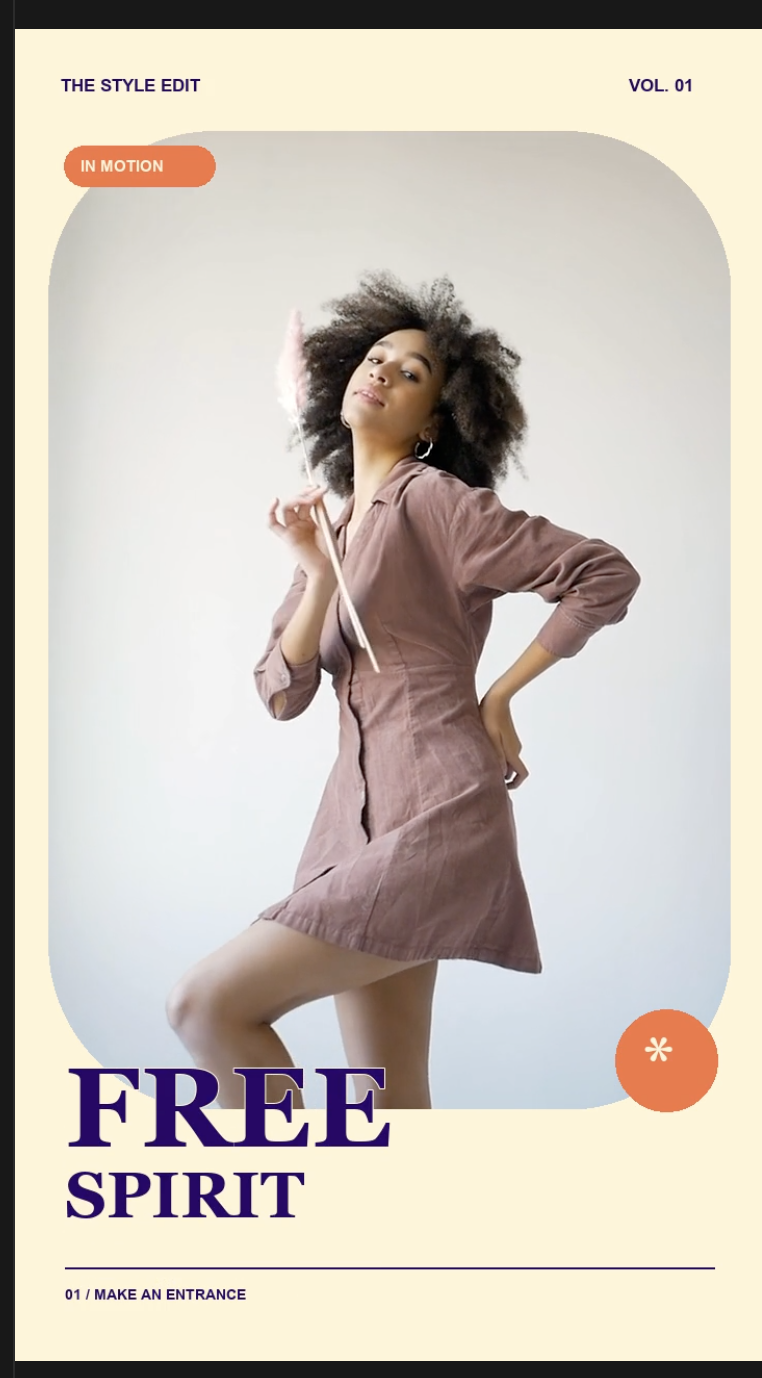
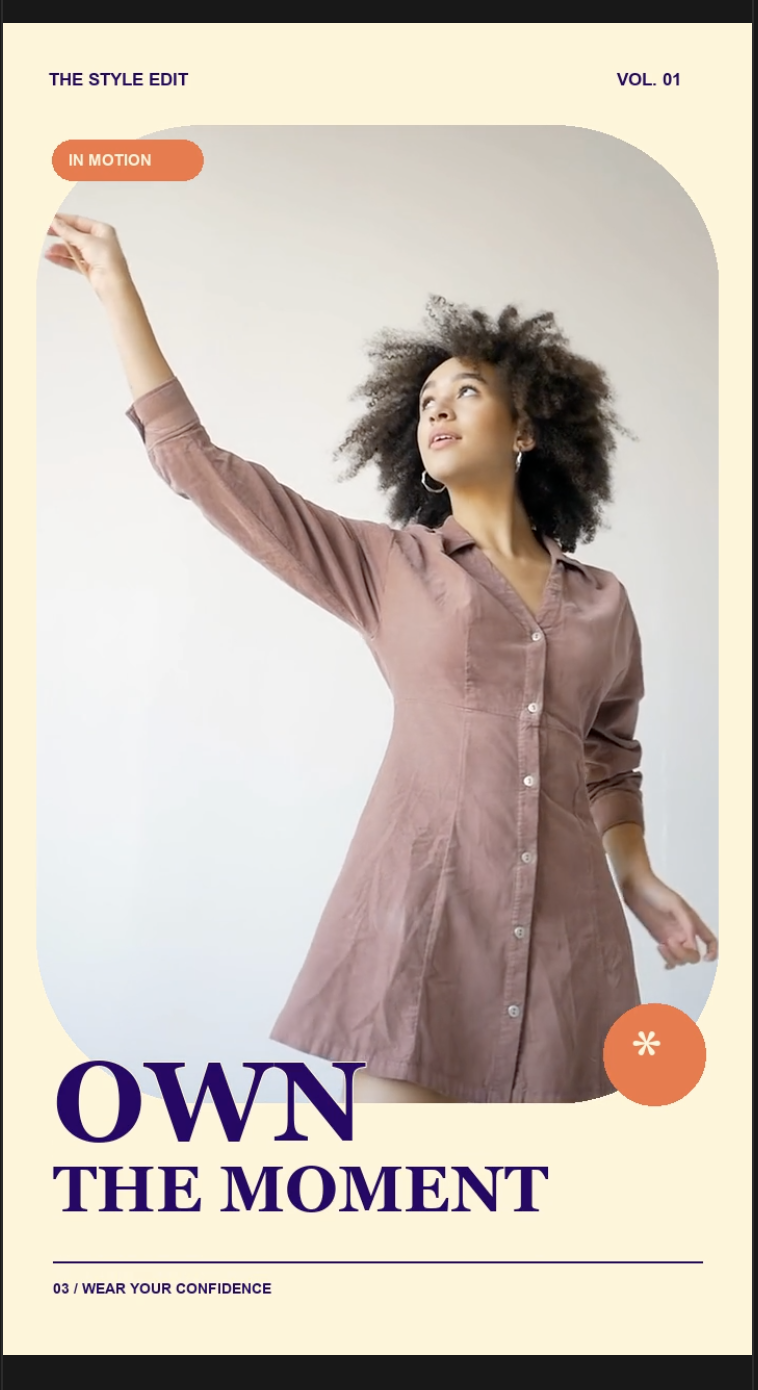
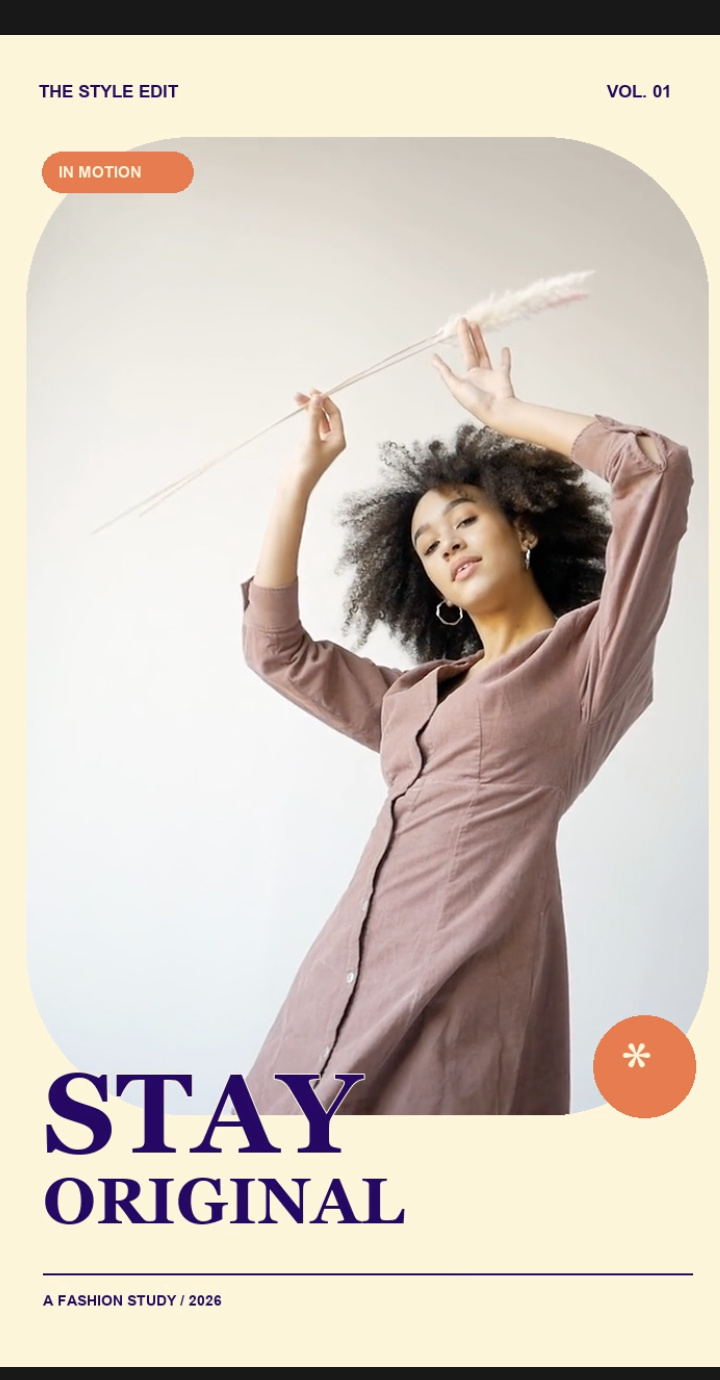
Fashion short: a cream backdrop, bold retro typography, and rounded frames bring the model’s poses together in a playful, confident American vintage style.
04
LIVE SHOW
Live show promotion
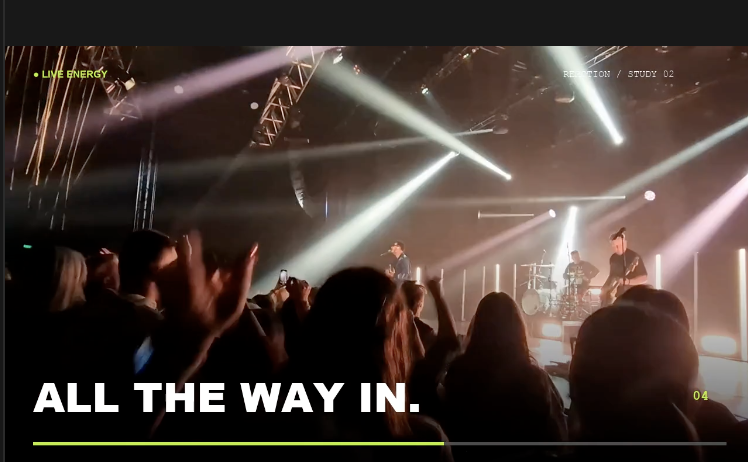
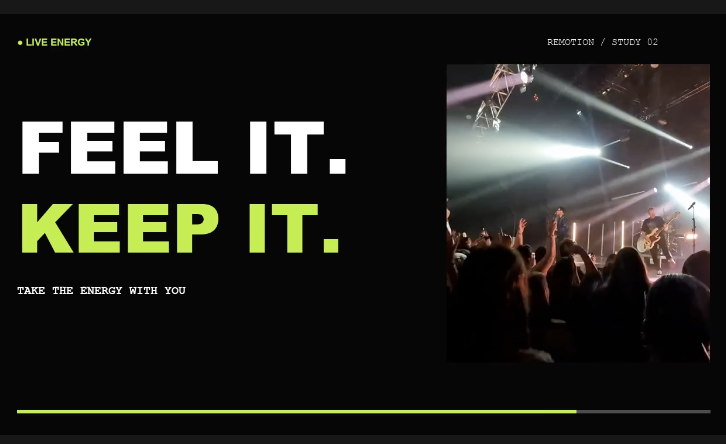
Live show promotion: real stage and audience footage pairs with neon-green accents, bold typography, and a rhythmic progress bar to capture the energy of a concert.
Preview frames and project files shown here were exported from runs of the Skill during testing.
Publish the video
Keep the project editable
One render gives you both a video ready to publish and a Remotion project you can keep editing.
Remotion Editing
FINISHED VIDEO
H.264 MP4
Ready to review or publish
Check the opening, middle, ending, and safe areas, then export the final video.
EDITABLE PROJECT
REMOTION PROJECT
Replace footage, update copy or styling, and render again
The edit plan, source paths, and timeline stay in place, so you never have to start from scratch.
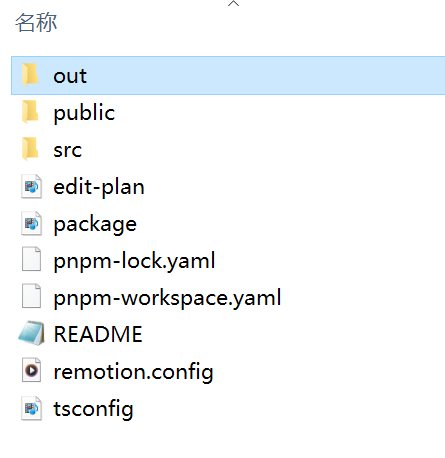
The final MP4 is available in the out folder. The project root retains src, public, the edit plan, and the other editable project files.
REMOTION EDITING STYLES
Drop in your footage
Start your next edit now
Remotion Editing Styles
Finch · Social video editing with AI