Directed revision
Each round named what to change and what to keep, and the storyboard was re-validated (131.3 → 134.3 → 136.8 s). Evidence: four rounds of conversation and the final manifest.
English edition · Pride and Prejudice, Chapter XXXIV
Turns an adapted script into a storyboard plan your team can review, revise, and hand off.
01 · What it is
For short-drama directors, content teams, and AI video creators. Provide a structured script, character settings, and a target duration; the Skill organizes scenes, segments, cuts, durations, and prompts, and exports storyboard files and review reports. Image generation is a later step: it calls external image tools and each frame is checked by hand.
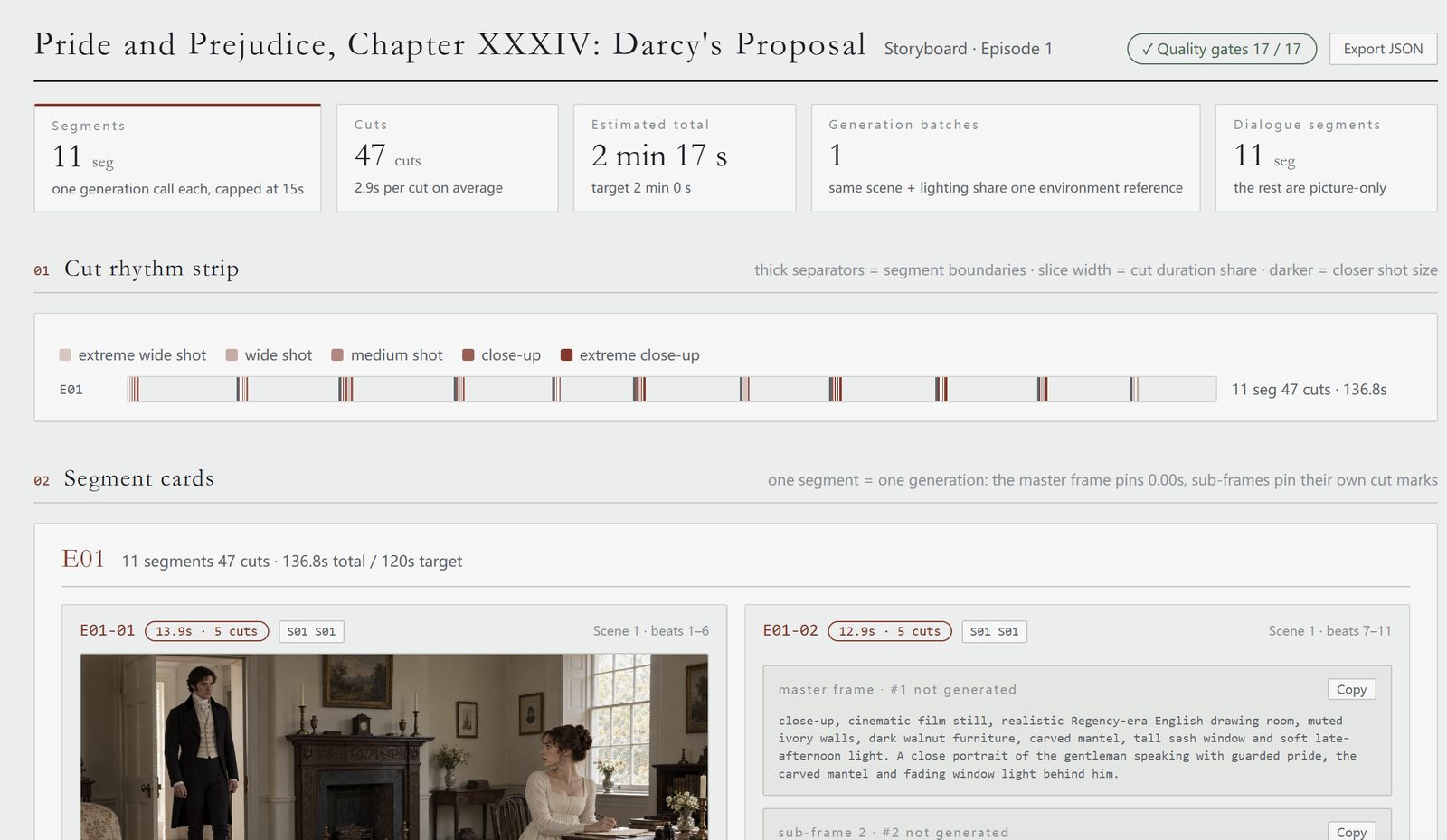
This case finished at 11 segments, 47 cuts and 136.8 s against a 2 min 0 s target; 9 of 47 storyboard images were generated and the other 38 are marked “not generated”.
02 · Before and after
The final HTML storyboard report puts segment count, cut count, total duration, the cut-rhythm strip, and shot-by-shot cards in one view, so review can move from the whole episode down to a single cut.
| Working state before | Visible result after |
|---|---|
| The confession, objections, accusation, and refusal sat in one continuous novel passage; shot order was hard to verify. | Split into 11 segments and 47 cuts; every cut lists content, duration, camera, and characters. |
| Revising the ending risked disturbing the pacing before it. | The ending was revised to hold on Darcy's reaction and Elizabeth alone, with no new dialogue; the final four shots were re-timed to 3.0 / 2.5 / 2.5 / 2.5 s and the full storyboard re-validated. |
| Image, video, and alignment tasks were scattered. | The report, generation manifest, and dialogue alignment list can be handed off separately; per-shot status shows 9 images generated, 38 not generated, and no video. |
03 · The real difficulty
A roughly two-minute scene had to keep Austen's key lines while re-pacing the argument. Saying only “make it more intense” gives the team no way to know how many cuts to add or seconds to move, or whether a required line was dropped.
04 · Where feedback lands
With a clear script and characters, feedback lands on concrete segments: where to pause silently, where to tighten framing, which lines must stay verbatim. Each revision round returns to the same storyboard structure for checking. In this test the episode finished at 136.8 s against the roughly two-minute target; the final report shows both numbers.
05 · How it works
Structured script, character settings, target duration; optional shot priorities, aspect ratio, and prompt language.
Segments the scene by story beats, configures cuts and durations, writes picture/sound prompts; validates constraints and produces review materials.
storyboard JSON, Markdown/HTML storyboard report, generation manifest with per-shot status, dialogue alignment list.
A novel TXT is first adapted into a script, then storyboarding starts. The Skill is not automatic novel-to-video and does not generate video itself. Storyboard stills are generated separately.
06 · Real case (1) the iteration trail
The storyboard keeps a visible iteration trail. The round-one summary screenshot below shows the first pass before any revision; its numbers are not the final ones.
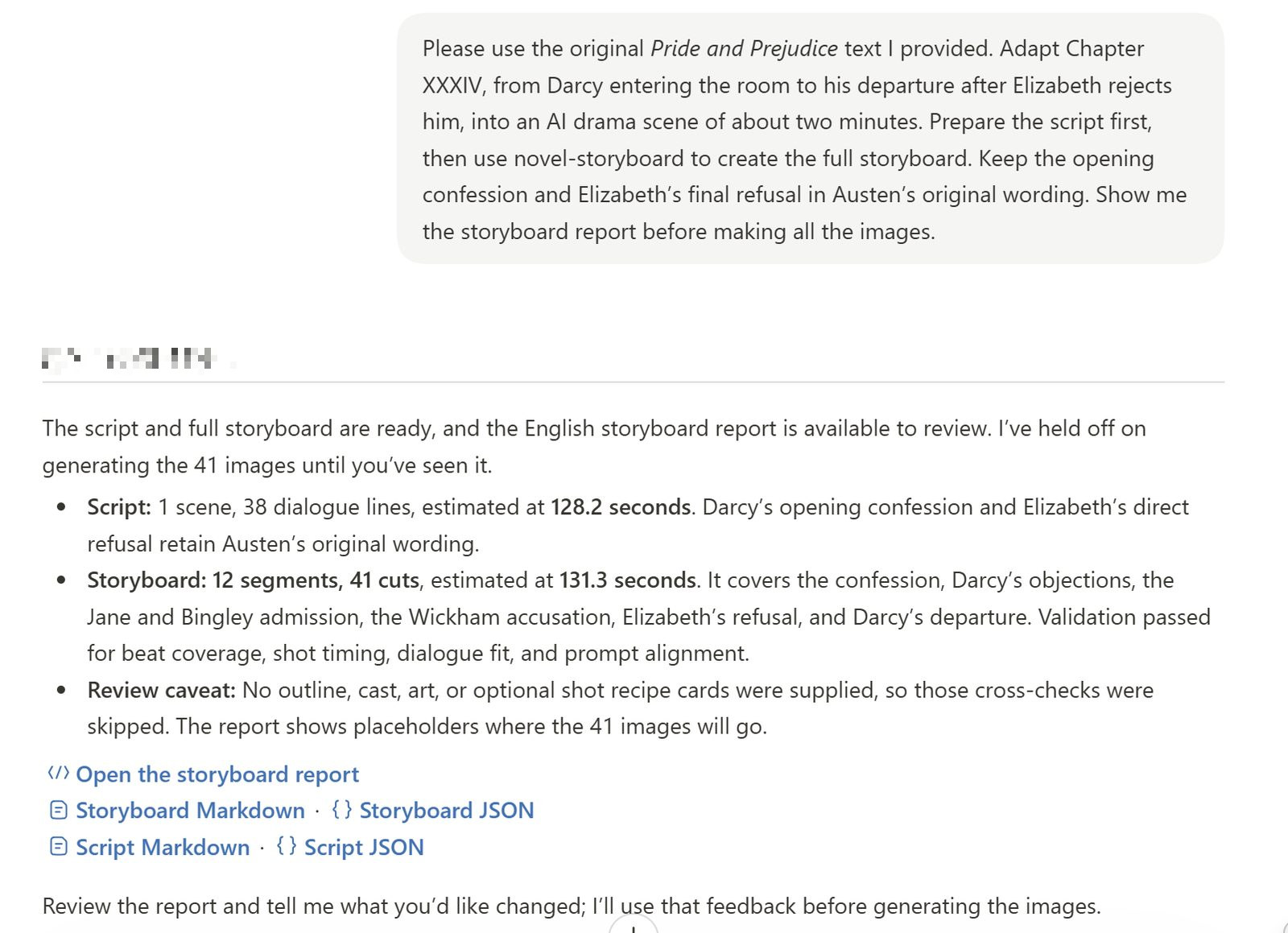
Input came from the user-provided original text of Pride and Prejudice. The test adapted Chapter XXXIV — from Darcy entering the room to his departure after the refusal — into one scene, keeping the opening confession and Elizabeth's final refusal in Austen's original wording; other retained lines were split across beats without changing the wording.
| Round | Focus of the change | Observed result |
|---|---|---|
| First draft | Adapt Chapter XXXIV into an about-two-minute AI drama scene; script first, then the full storyboard. | 12 segments, 41 cuts, 131.3 s; report only, no images. |
| Pacing revision | Silent reaction after the confession; closer shots as the argument intensifies; shorten minor dialogue without altering kept lines. | 11 segments, 46 cuts, 134.3 s; validators pass. |
| Opening stills | One image per shot in the opening segment, with characters, clothing, and room kept consistent. | 5 stills for E01-01 (13.9 s); remaining segments paused. |
| Ending revision | Hold on Darcy's reaction, then Elizabeth alone after he leaves; no new dialogue. | 11 segments, 47 cuts, 136.8 s; 9 of 47 images generated. |
06 · Real case (2) delivery and boundary
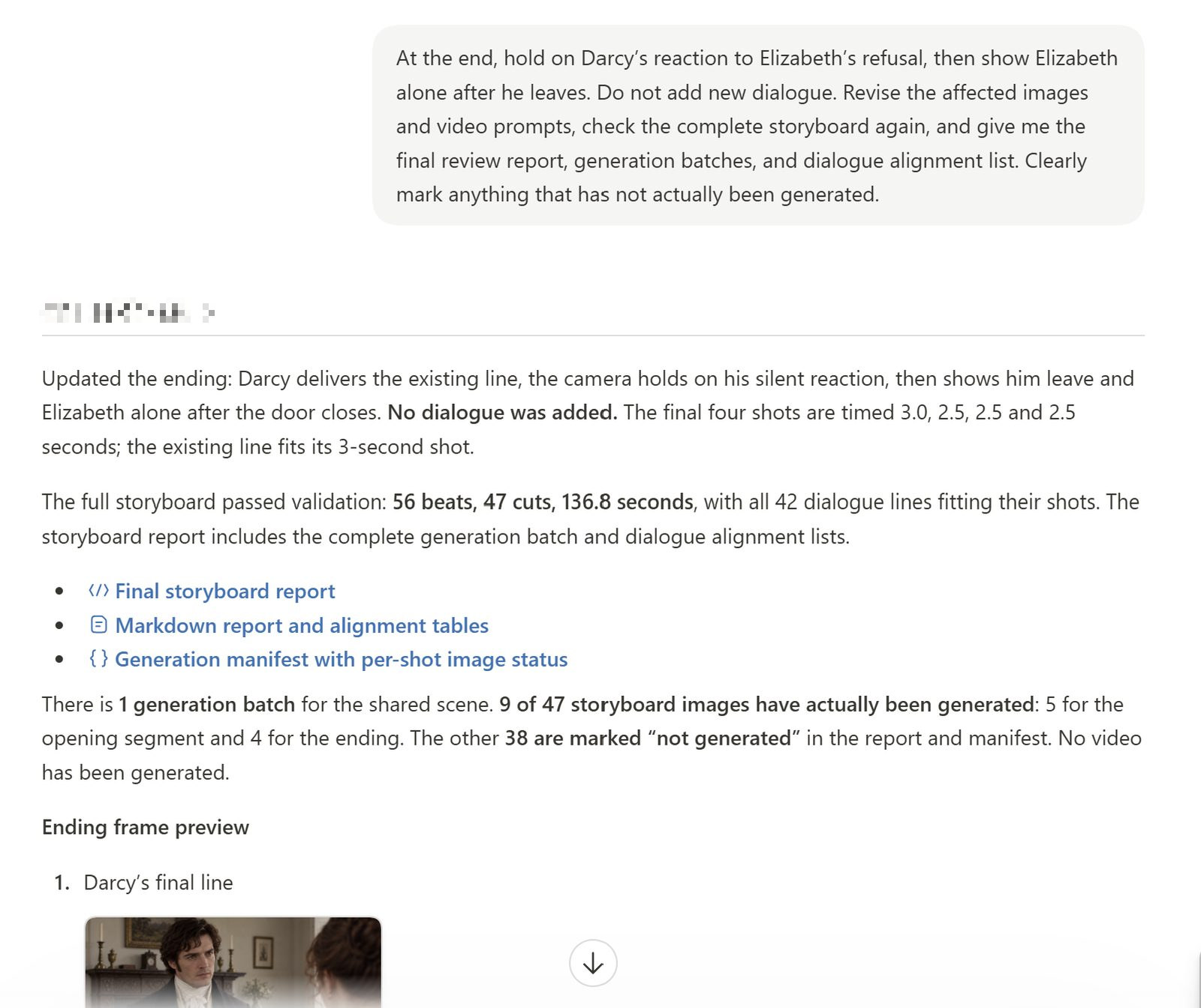
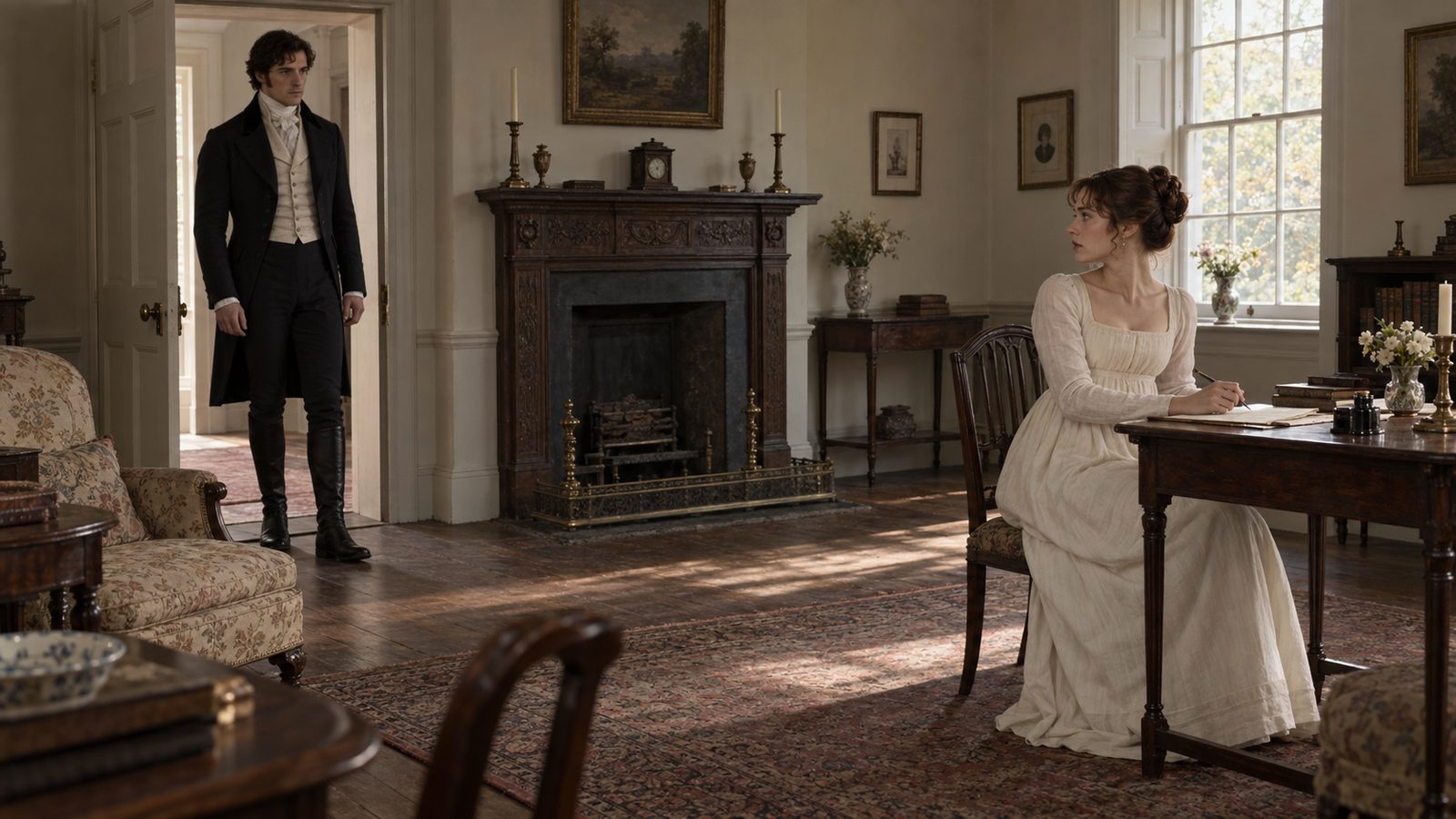
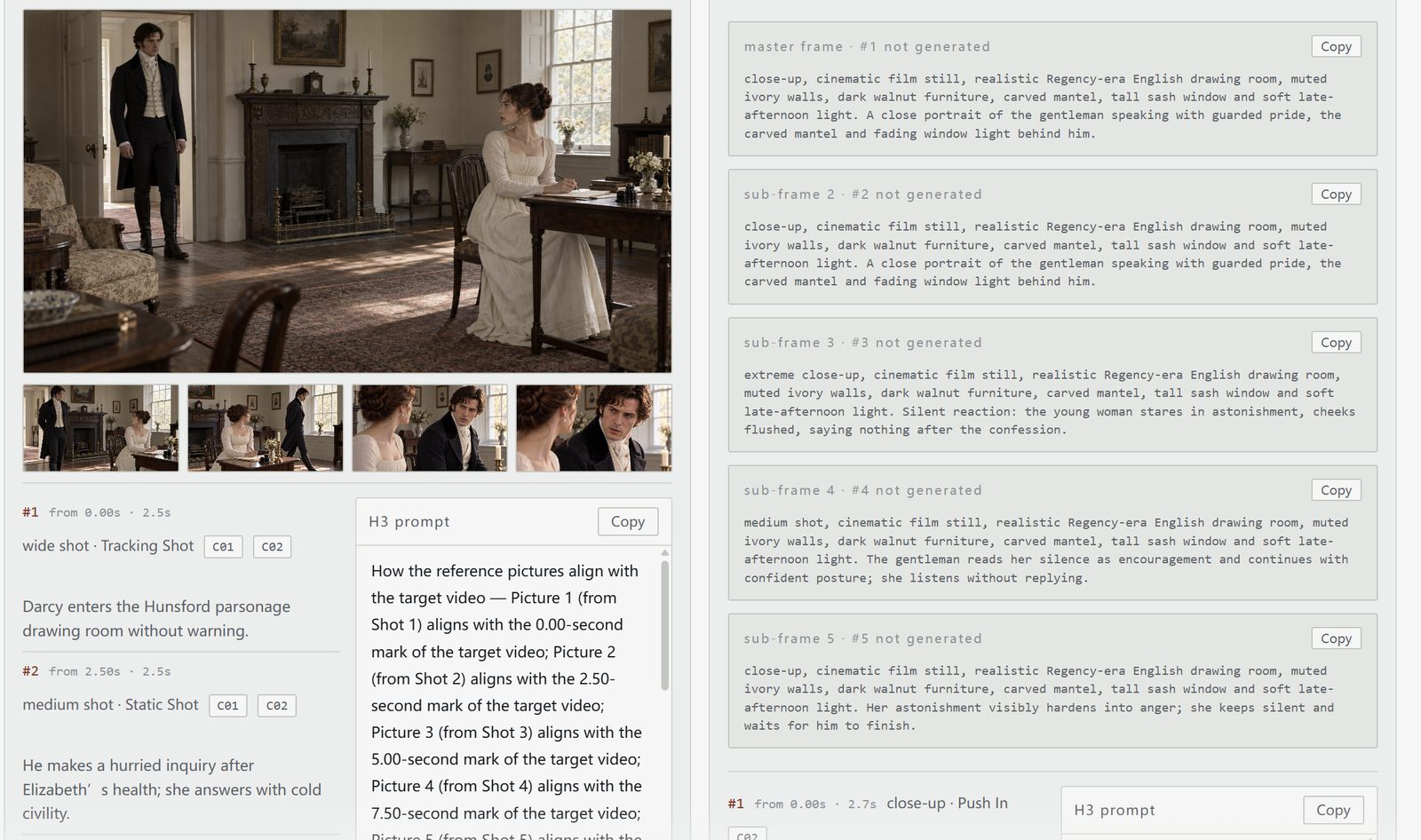
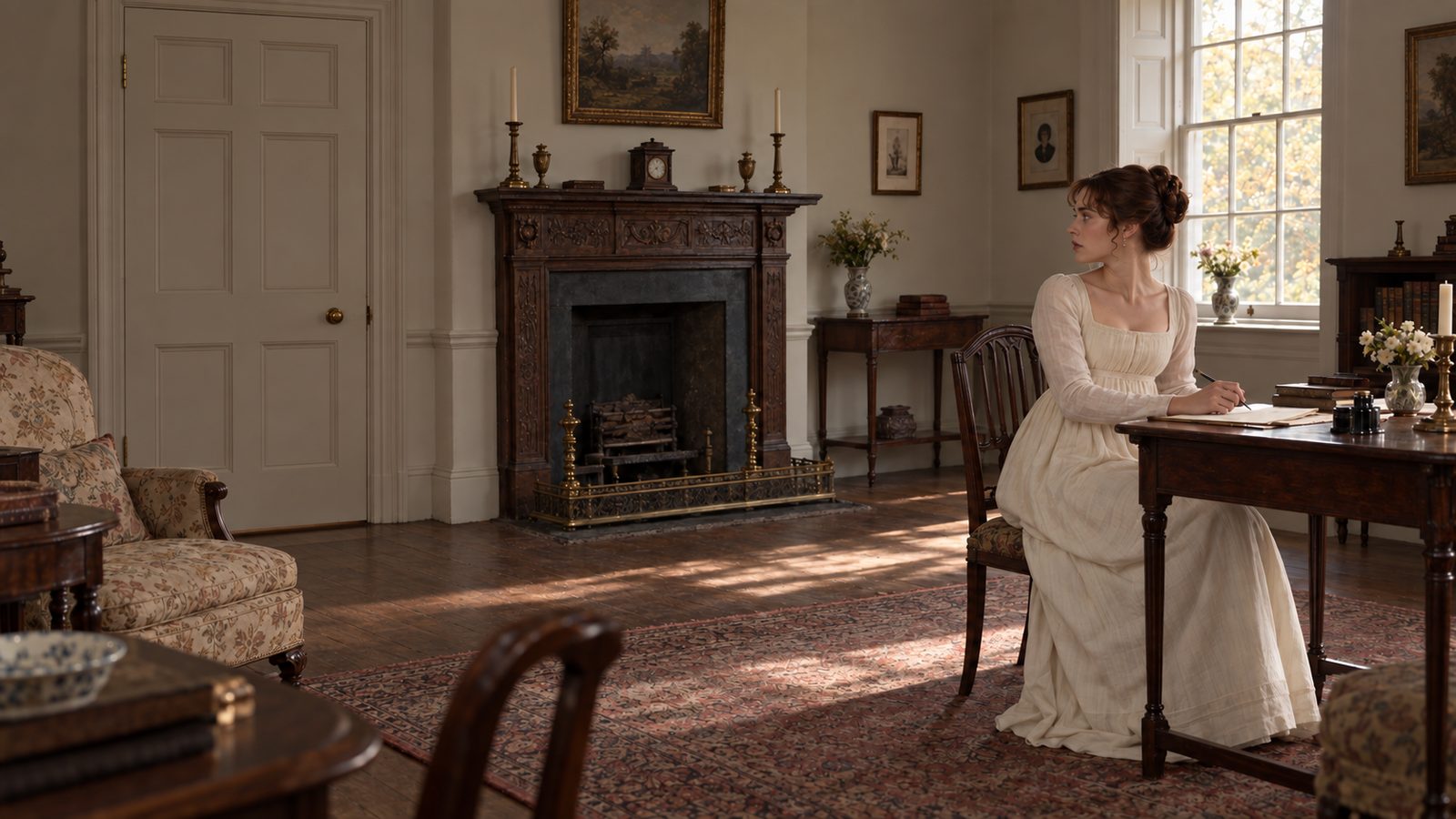
In the final files, E01-01’s 5 stills and E01-11’s 4 stills have been generated; the remaining shots and the video are left for the next stage. The case shows the storyboard together with the key stills already produced.
07 · Verifiable advantages
Each round named what to change and what to keep, and the storyboard was re-validated (131.3 → 134.3 → 136.8 s). Evidence: four rounds of conversation and the final manifest.
The shot plan, generation manifest, and dialogue alignment list are delivered separately. Evidence: final report and manifest.json with per-shot image status.
Report and manifest distinguish generated images, missing images, and ungenerated video. Evidence: final report (9 of 47 images) and the manifest “missing” lists.
08 · Where the limits are
Character consistency, fidelity to the novel, image quality, and the final video still need manual review round by round.
The 136.8 s runtime over the two-minute target is reported as-is; this case does not support claims about general time savings or final video quality.
Storyboarding turns pacing, framing, and key actions into objects the team can discuss, so the director, image generator, and voice crew can work from the same version.
09 · Get started
Prepare a structured script, character settings, and a target duration; tell the Agent which beats must be kept and where to expand or compress. Review the storyboard and hand-off files, then decide whether to continue into stills and video.